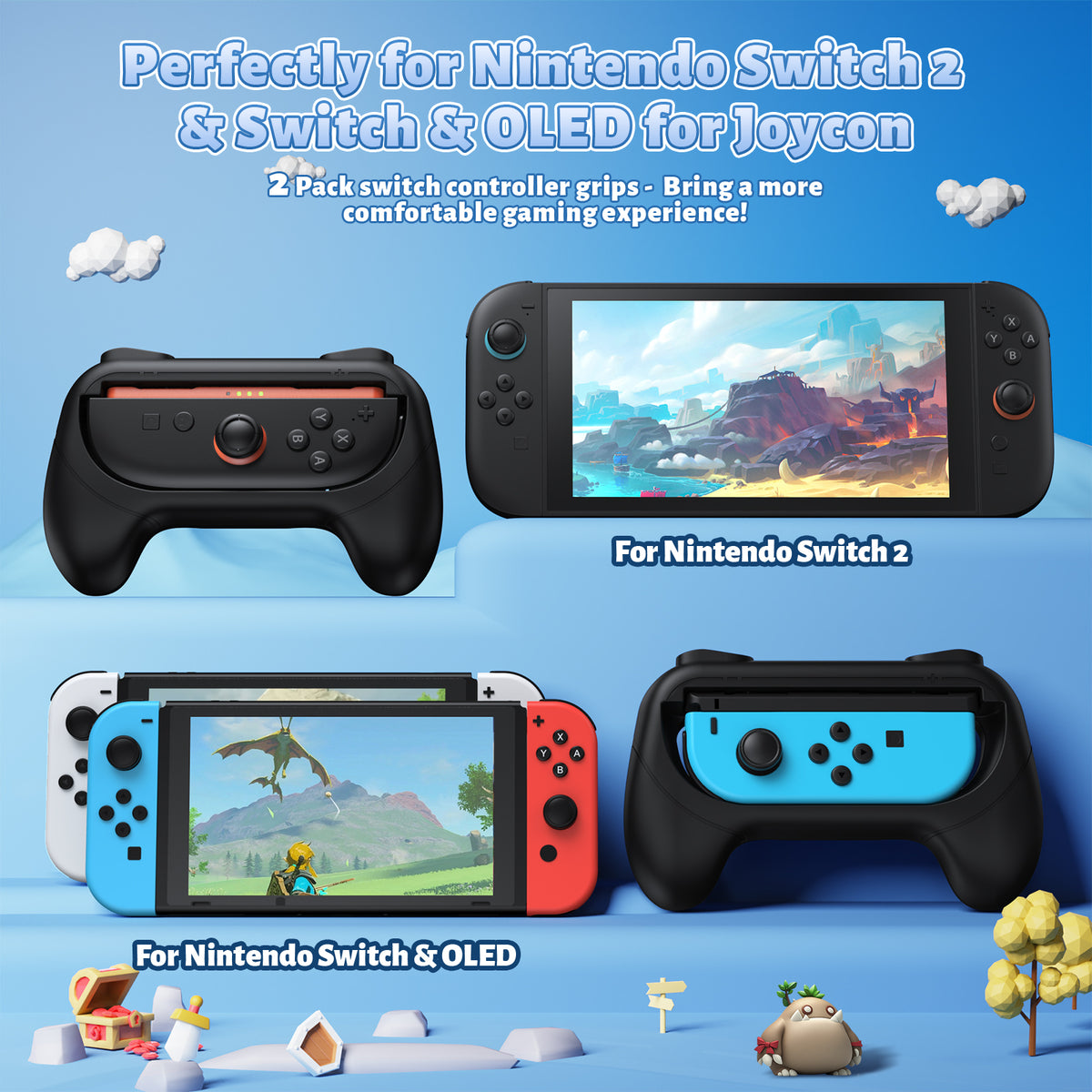

10-in-1 Controller Charging Dock for Switch 2 & 1 with RGB Lights
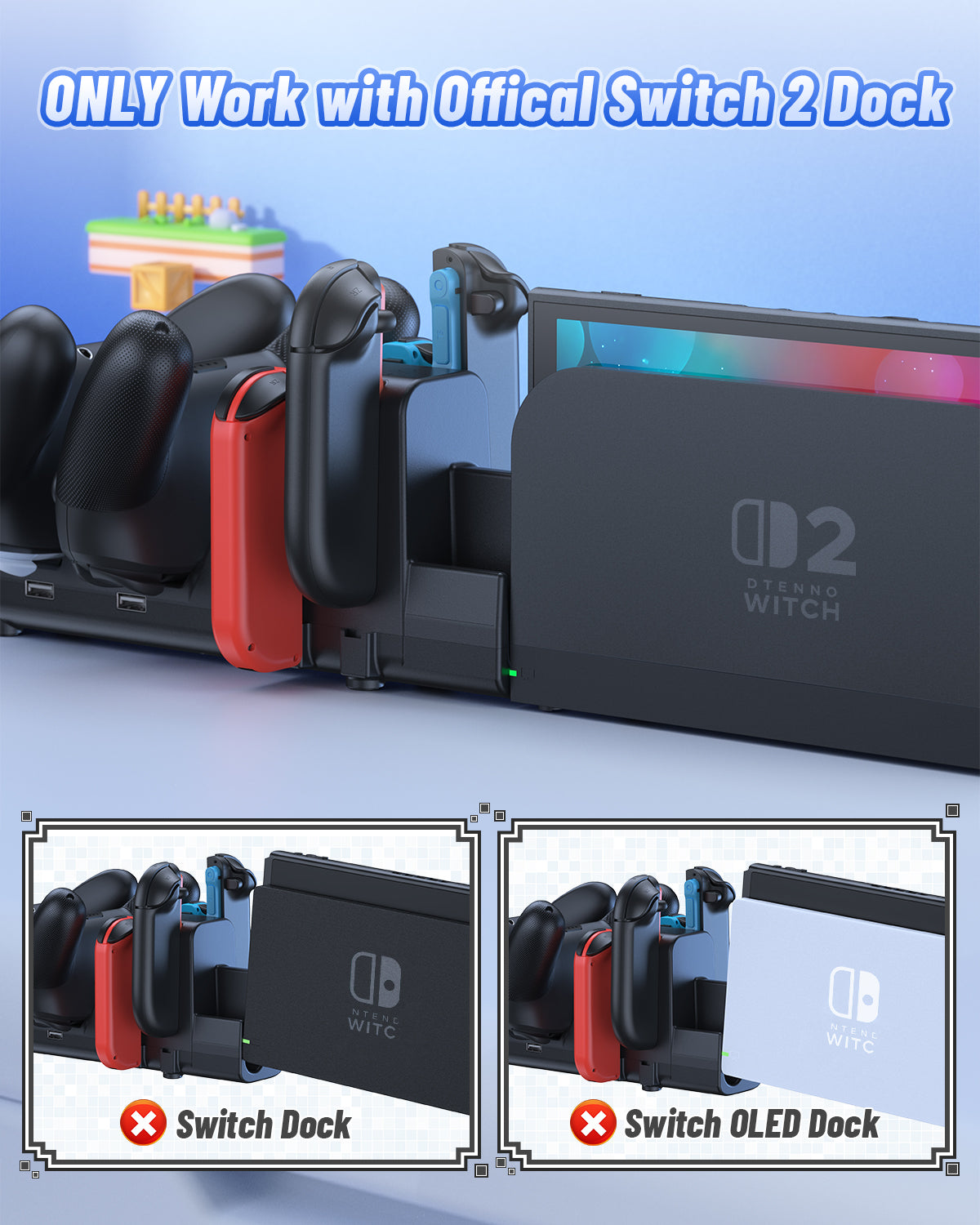
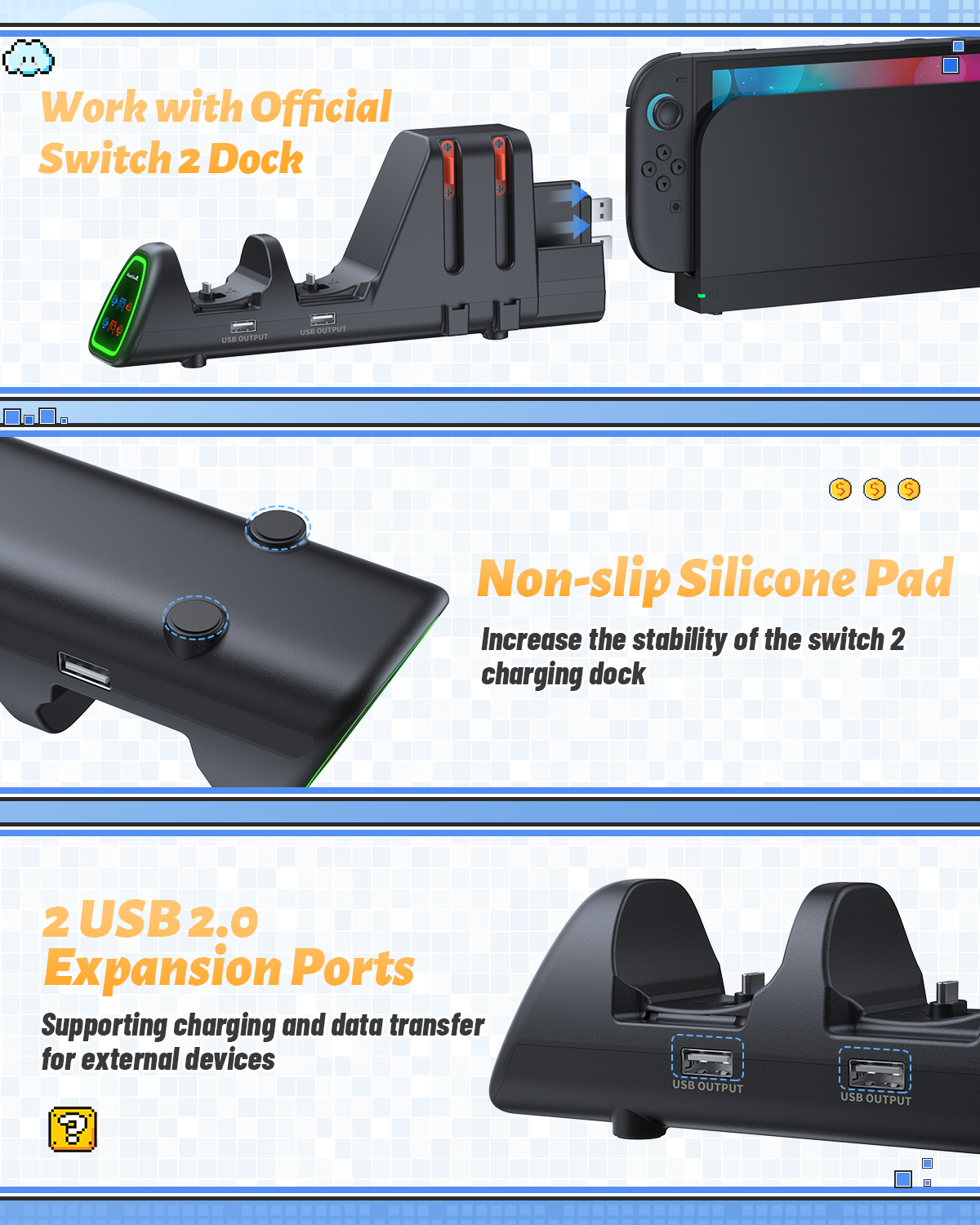
- 📌📌📌Please Note: The switch charger MUST use the NS2 Official Dock as the power source (Not for NS1 dock), When The switch charger dock is fully loaded, One of P-Controllers is fully charged, the other controller will auto start charging.
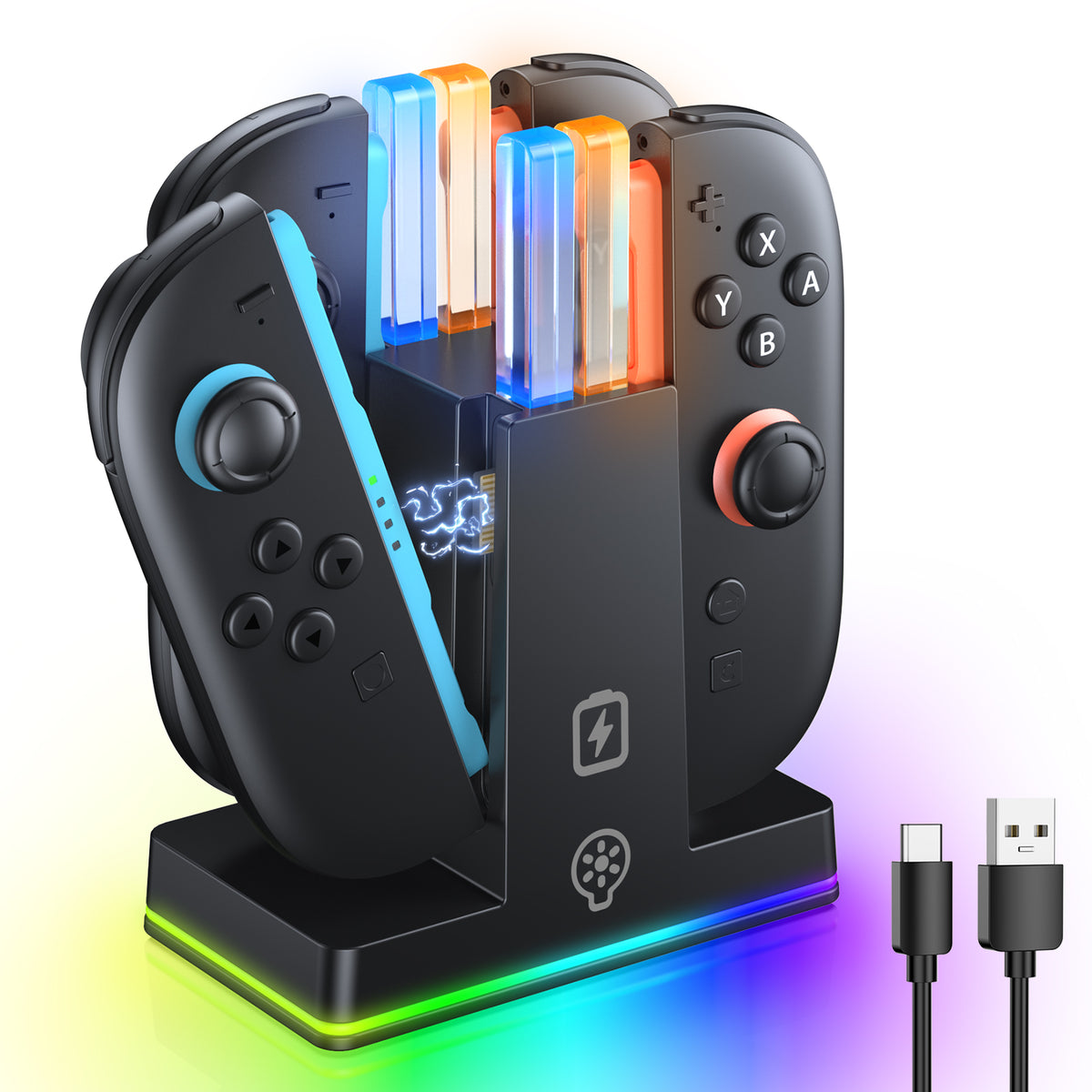
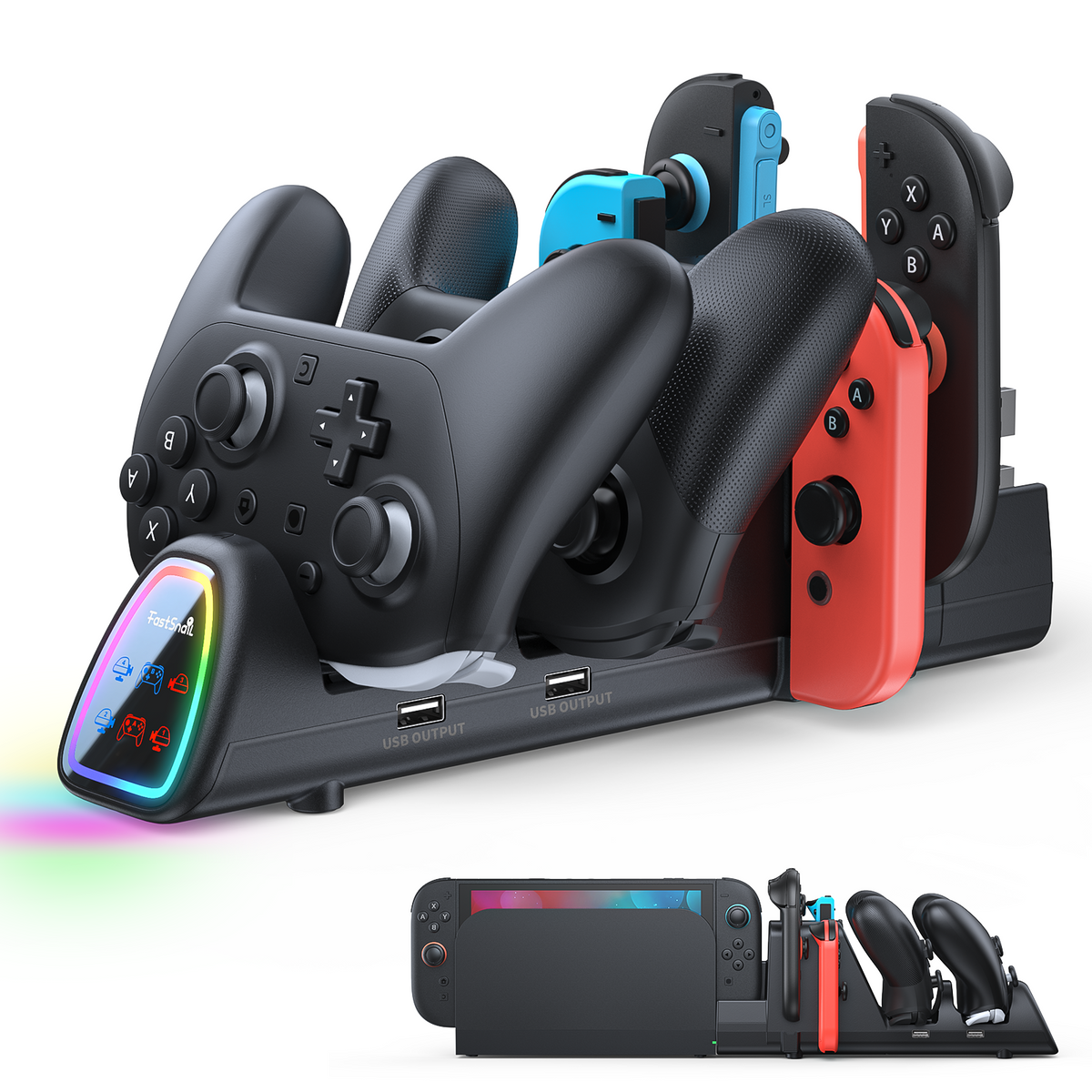
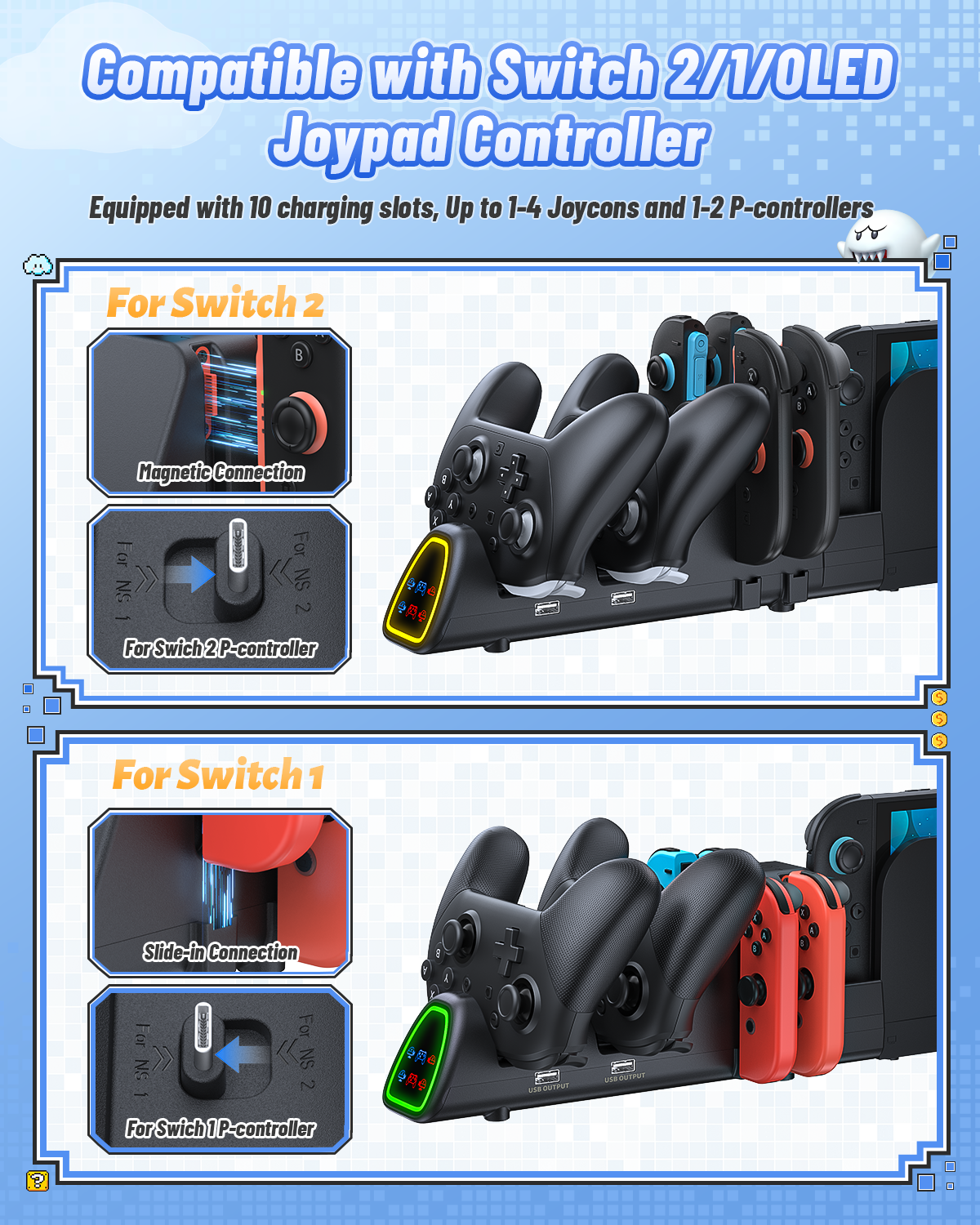
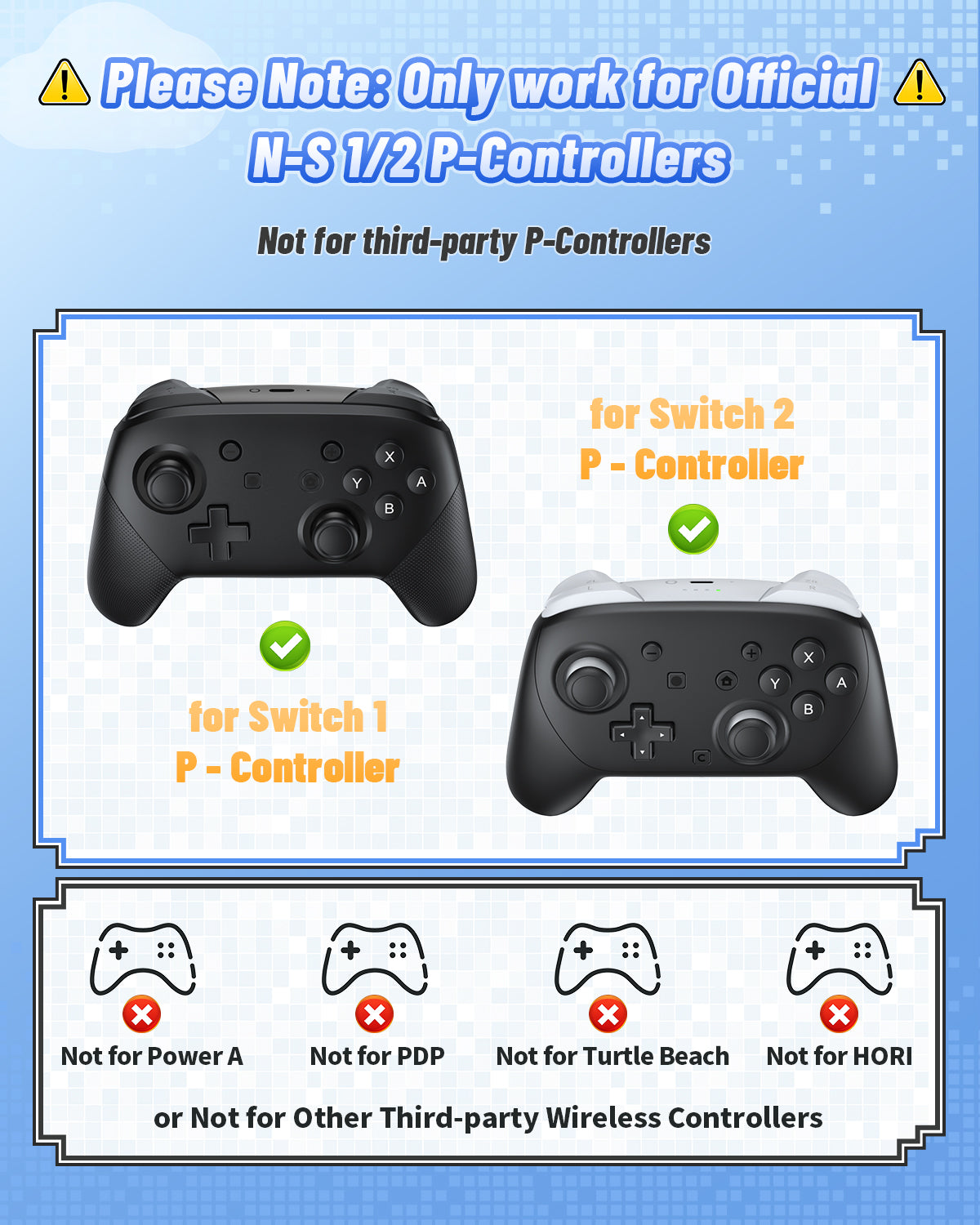
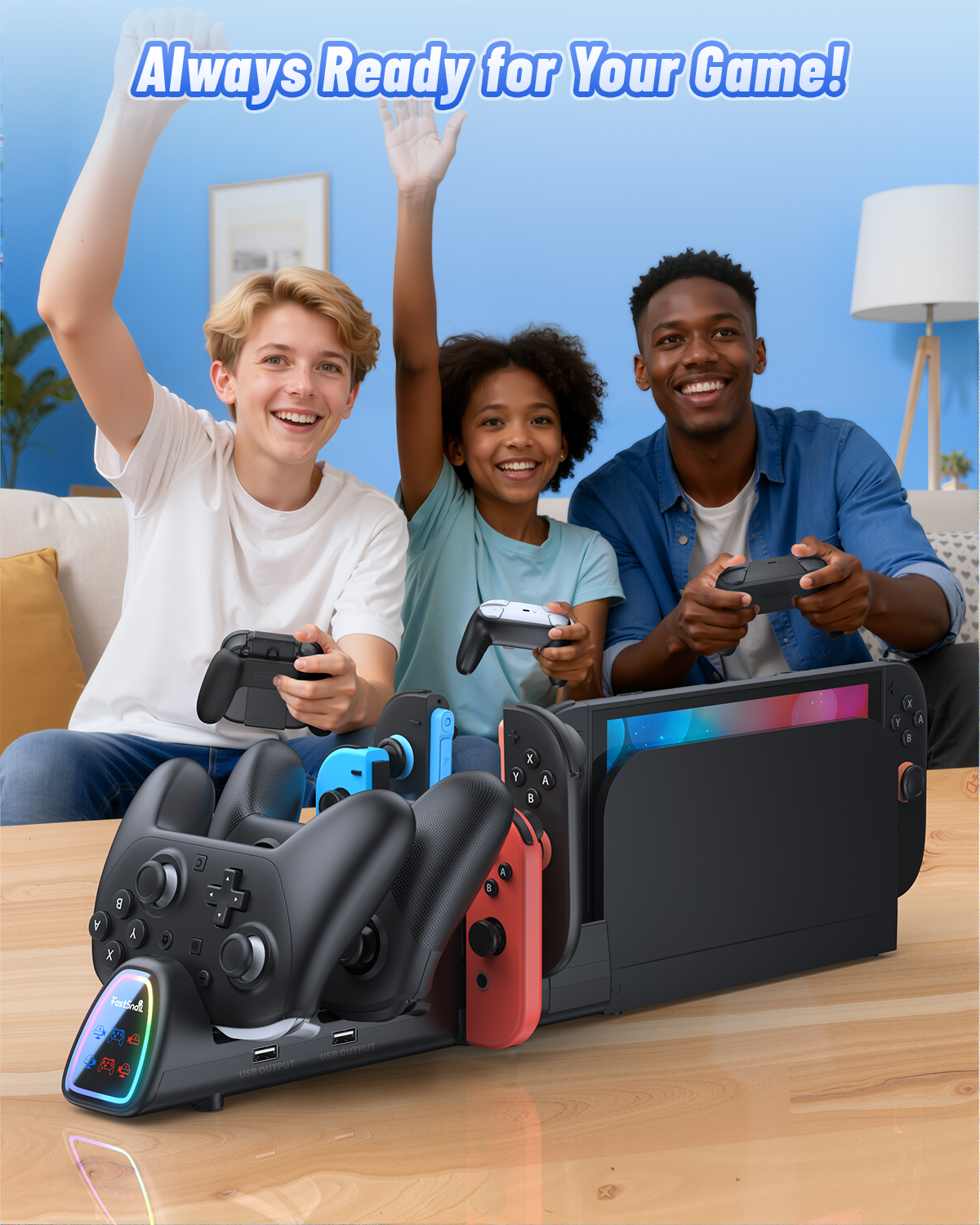
- 【More Compatibility - Charger for Switch 2/1 joypad & P-controllers】Our FASTSNAIL 10-in-1 switch 2 controller charging dock is specially designed for Nintendo Switch 2 (2025)/1/OLED model for Joycon 2/Joycon 1 and for Pro controllers. The Switch 2 controller charger is equipped with 10 charging slots to support charging up to 1-4 joycon 2/1 and 1-2 P-controllers simultaneously. Solve the trouble of buying multiple chargers and saving you costs. 📌Note: Must be used with NS2 Official dock!!!
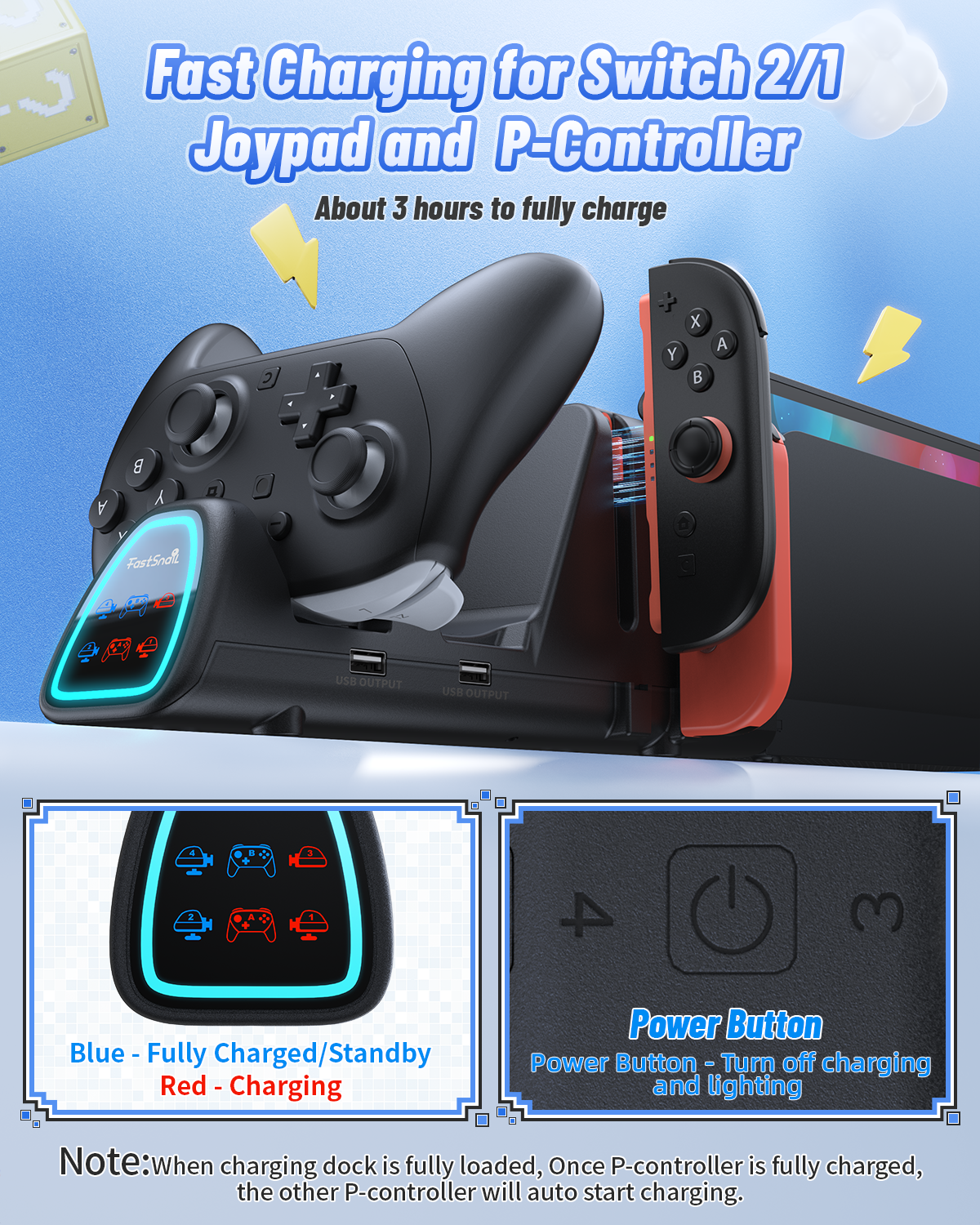
- 【3H Fast Charging & Clear Indicator】Our switch 2 charging dock has clear LED indicators show charging status of joycon and p-controllers, Blue (standby/fully charged) and Orange (charging), Effortlessly monitor your switch joypad and controller's battery state any time. It takes 3-3.5H for the controller to fully charged. The touch-sensitive switch allows you to easily turn off the charging function and led, creating a sleep-friendly environment.📌 Not compatible with third-party controllers.
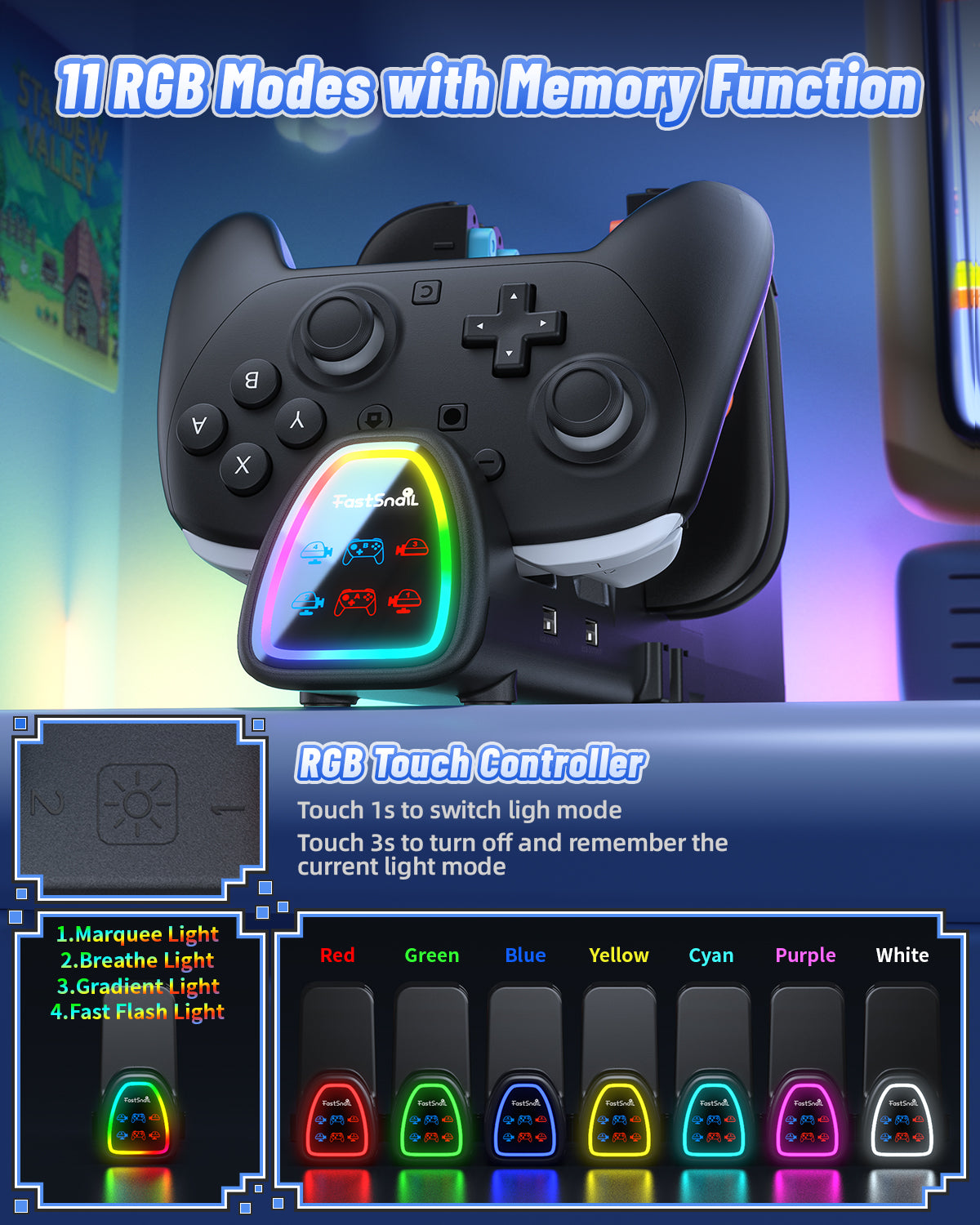
- 【Customizable 11 RGB Modes with Memory Function】Our switch 2 charger for joycon enhance your gaming ambiance with 11 vivid lighting modes: Marquee light+Breathe light+Gradient light+Fast Flash Light+7 static colors , Switch the lighting mode by touching the light button, Touch 1s to switch ligh mode, touch 3s to turn off and remember the current light mode. Choose your favorite lighting effect and Can't wait to start the next game adventure for Nintendo Switch Game.
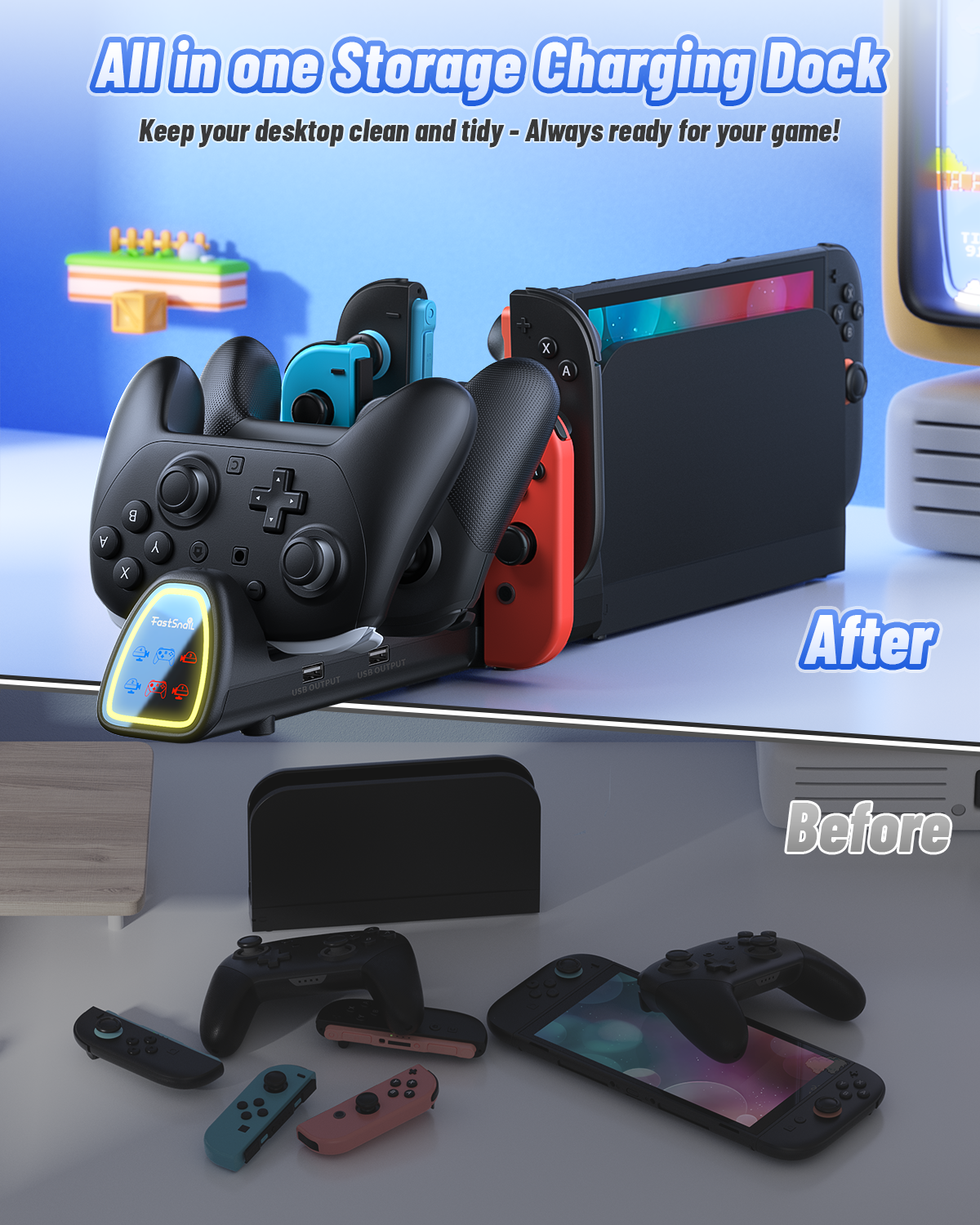
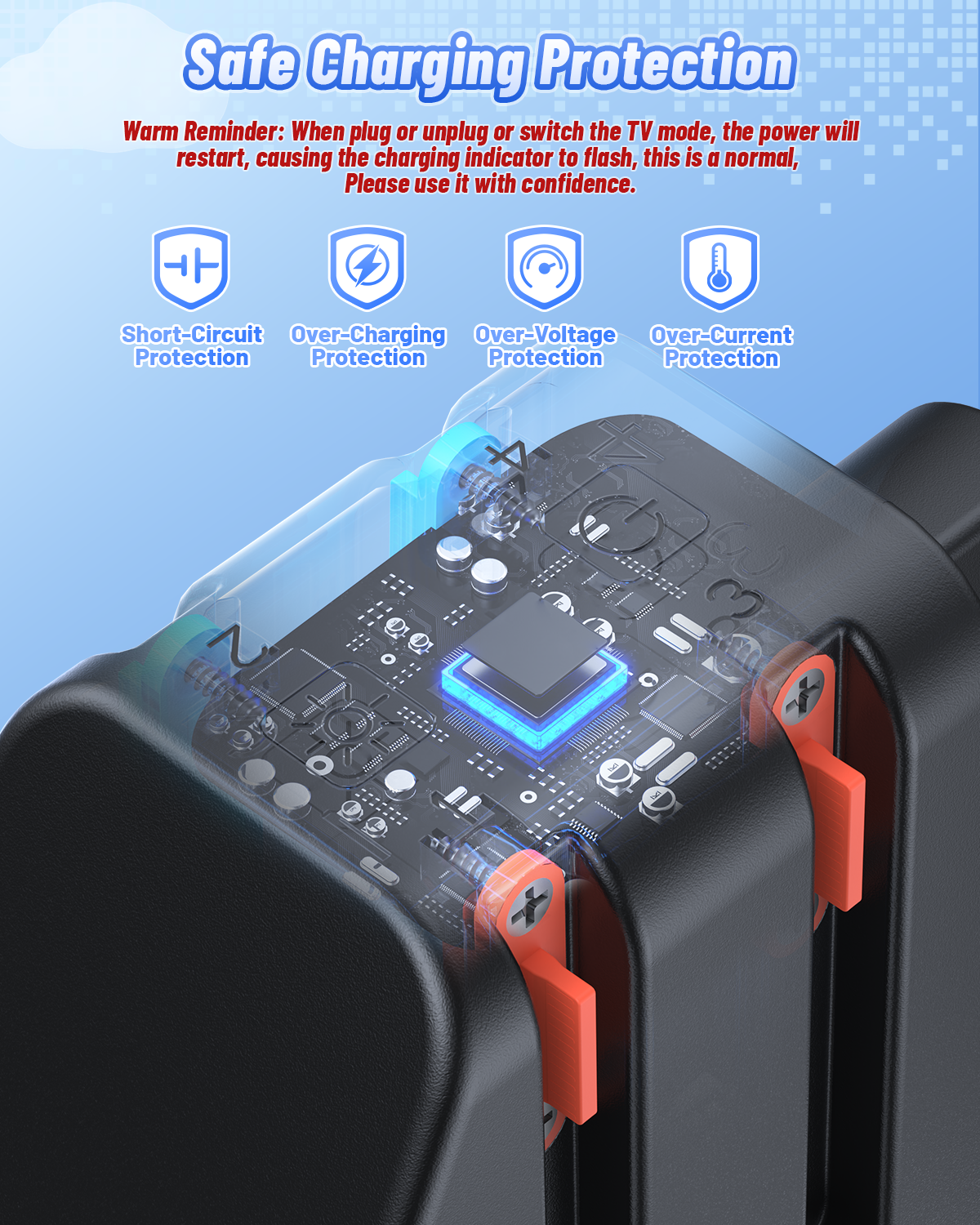
- 【Organizer Station & Charging Safety & 2 USB 2.0 ports】Our switch 2 controller charging station has a built-in advanced multi-protection chip to ensure safe charging, With over-charge ,short-circuit protection, over-voltage and over-current protection, extending your controller's battery lifespan, Let you have a reliable gaming experience. And organize and store your controllers and jocon, keep your desktop clean and tidy, Additionally, the charging station includes two extra USB 2.0 ports for data transfer or charging more devices.
- 【 What You Get & Reliable Support】You will get: 1 X switch 2/1 charging dock,1 X user manual. If you have any questions, please feel free to contact us at any time, we will provide 7*24h friendly customer service. 🎁The perfect Christmas/Birthday/Holiday gift for Nintendo switch gamers. (Not included Switch Console, dock, Joypads and controllers).
Fast, easy, and delivered straight to your door.
All of our products also come with a 1-year warranty. If you have any questions about the product, feel free to reach out anytime, and we’re always happy to help.
,%20When%20The%20switch%20charger%20dock%20is%20fully%20loaded,%20One%20of%20P-Controllers%20is%20fully%20charged,%20the%20o...
)

Compatible with Nintendo Switch 2, Switch 1/OLED

Equipped with 10 charging slots, up to 4 Joycons and 2 Pro Controllers

About 3 hours to fully charged

All in One Storage Station
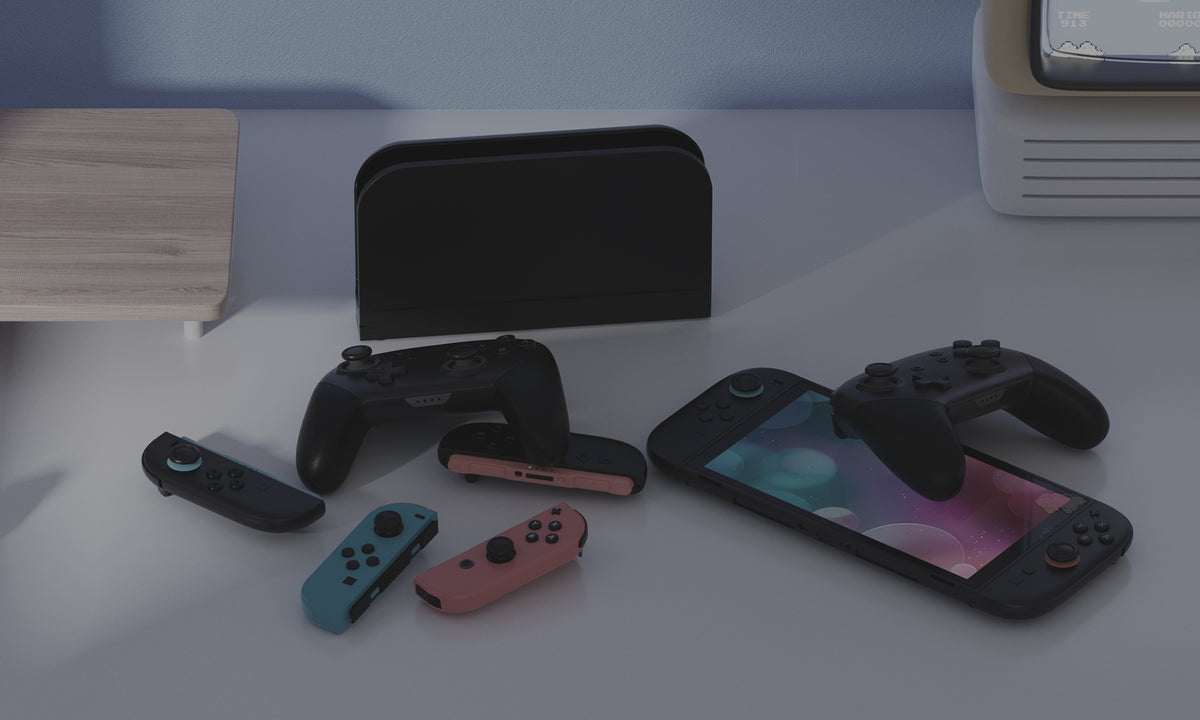
Before
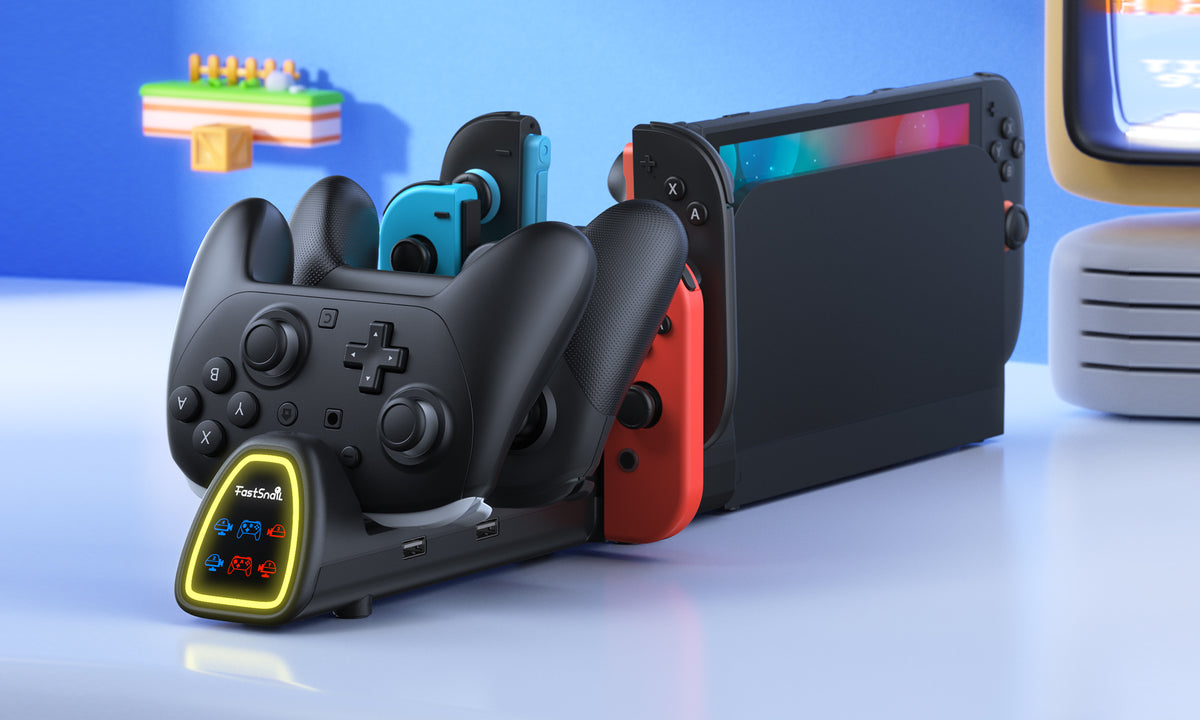
After

Note: When charging dock is fully loaded, Once P-controller is fully charged,the other P-controller will auto start charging.


Product specification
Nintendo Switch, Switch 2
5 Volts
1 Amps
USB Type C
5 Volts
LED lights per slot(Blue = Charging, Lights Off = Fully Charged)
Takes about 3-3.5 hours for the controller to fully charged
Metal, Plastic
1 X Charging Dock for switch2/1, User Manual
FAQs
Have a question ? We are here to help.
What controllers are compatible with this charging dock?
This charging dock is designed for Nintendo Switch 2 (2025), Nintendo Switch, and Nintendo Switch OLED Joy-Con controllers and Pro Controllers.
Please note that it is not compatible with third-party controllers.
Can this charging dock be used with the Switch 2 dock?
Yes. This charging dock must be connected to the official Switch 2 dock as its power source.
It is not compatible with the Switch 1 dock or third-party docks.
How many controllers can it charge at the same time?
The charging station supports charging up to 4 Joycons and 2 Pro Controllers simultaneously.
When the charging dock is fully loaded and one Pro Controller is fully charged, the other Pro Controller will automatically begin charging.
How long does it take to fully charge the controllers?
It takes approximately 3 to 3.5 hours to fully charge compatible controllers. The LED indicators make it easy to check the charging status at a glance.
Orange indicates charging, while blue indicates standby or fully charged status.
Does this charging dock have overcharge protection?
Yes. The built-in protection chip provides over-charge, short-circuit, over-voltage, and over-current protection to help provide a safer charging experience and protect your controllers during charging.
Can I turn off the LED lights?
Yes. The touch-sensitive button allows you to turn off the LED lights when needed.
You can also switch between 11 RGB lighting modes and save your preferred lighting mode for the next use.
Recommend