
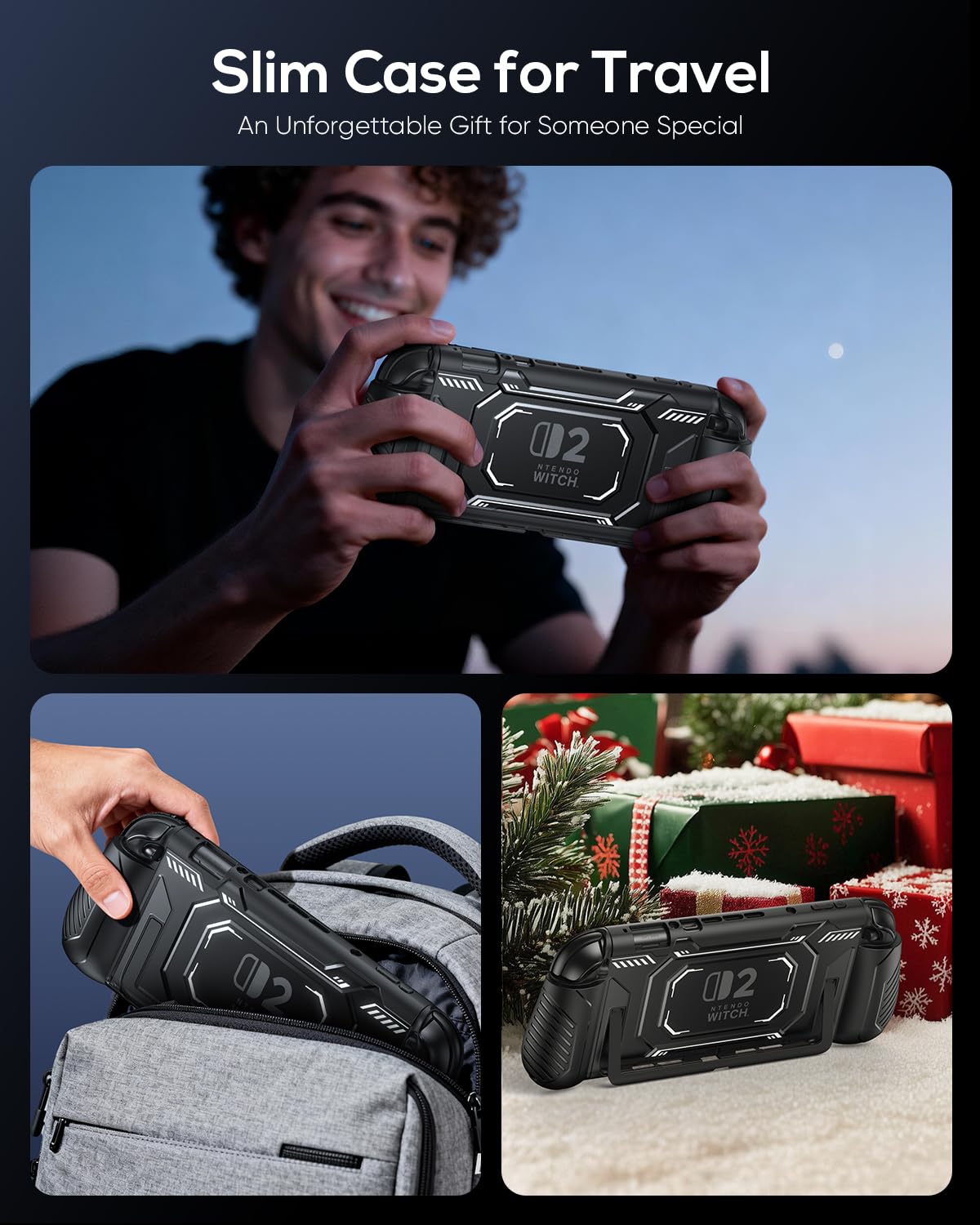
Dockable Protective Case for Switch 2 with Ergonomic Grips
- 📌NOTE: To better protect your console, ensure the Joypad are fully inserted into the grip, with the soft edge at the top of the grip completely covering the edges of the joypad. When removing the middle frame, start from the top. ❗❗Tip: For specific installation details, refer to the installation diagram on the left and the installation video.
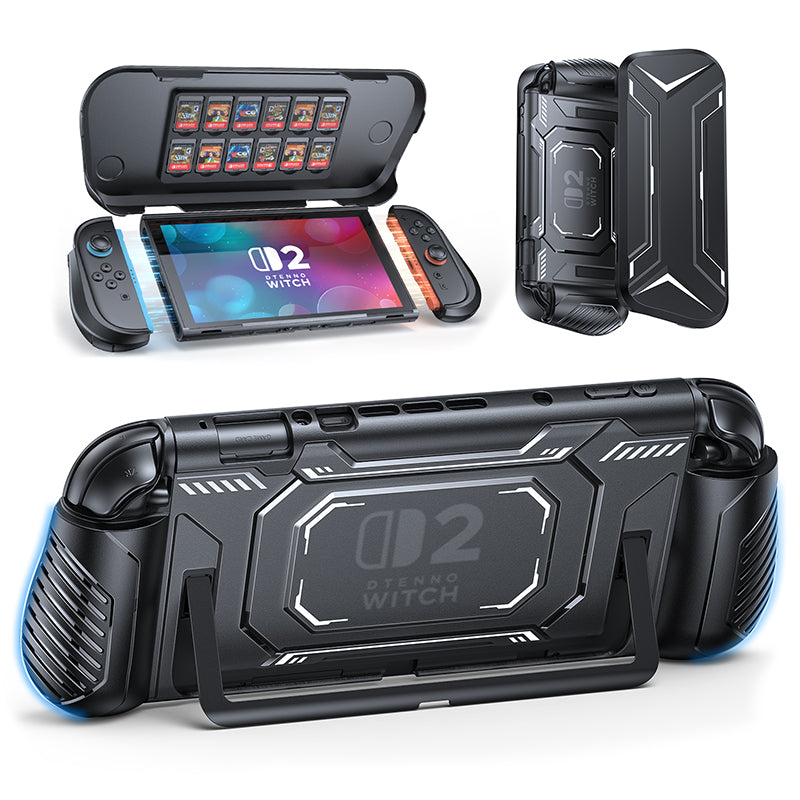
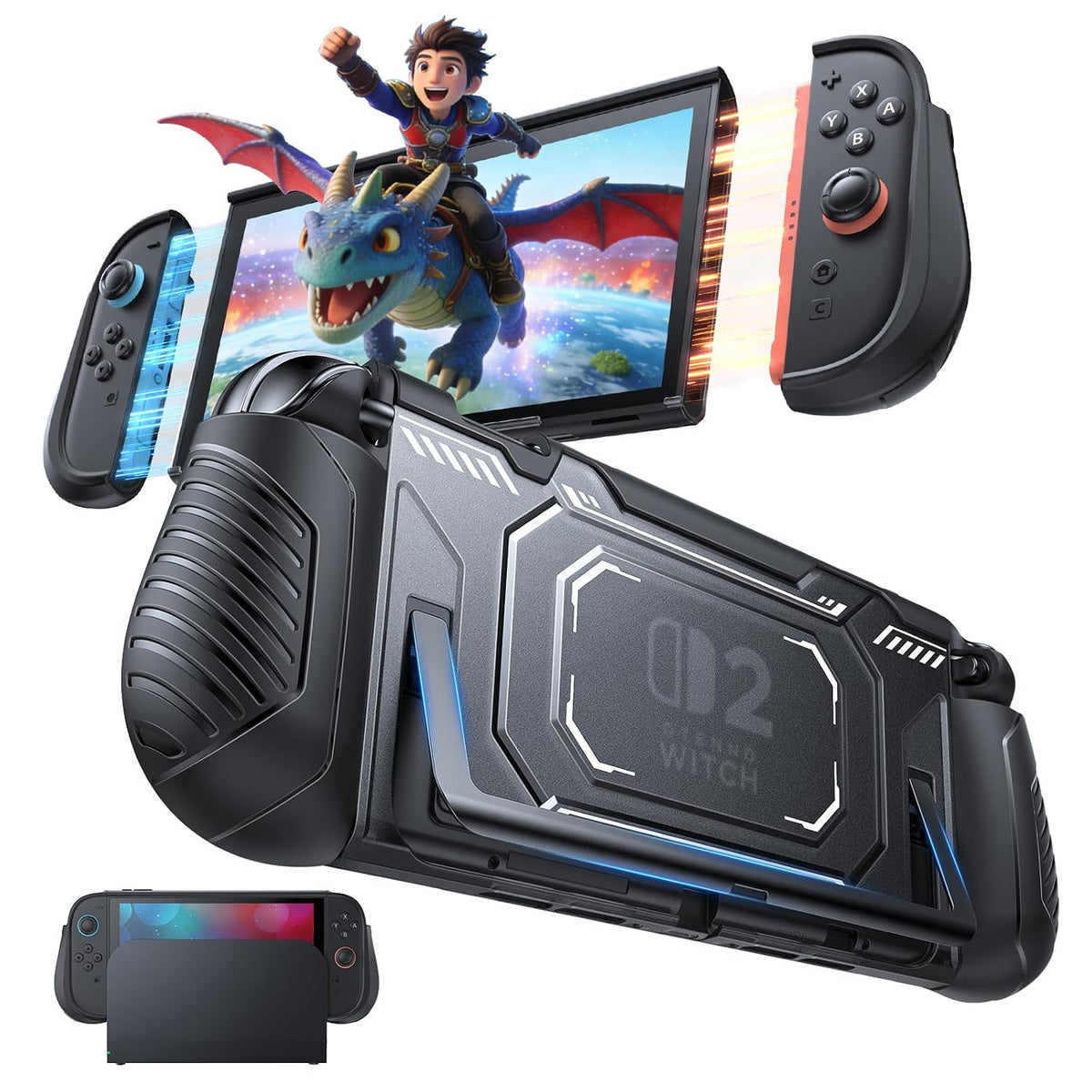
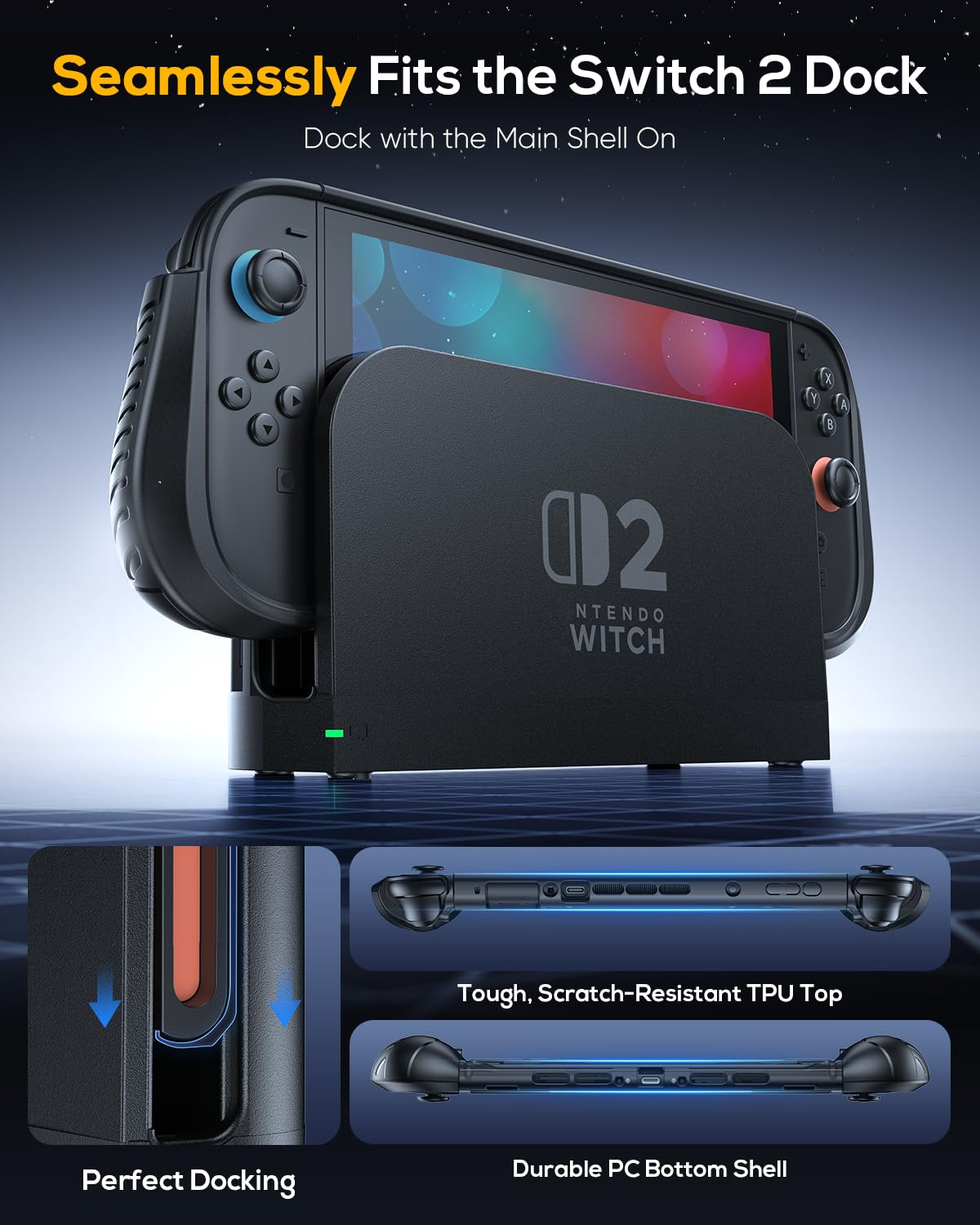
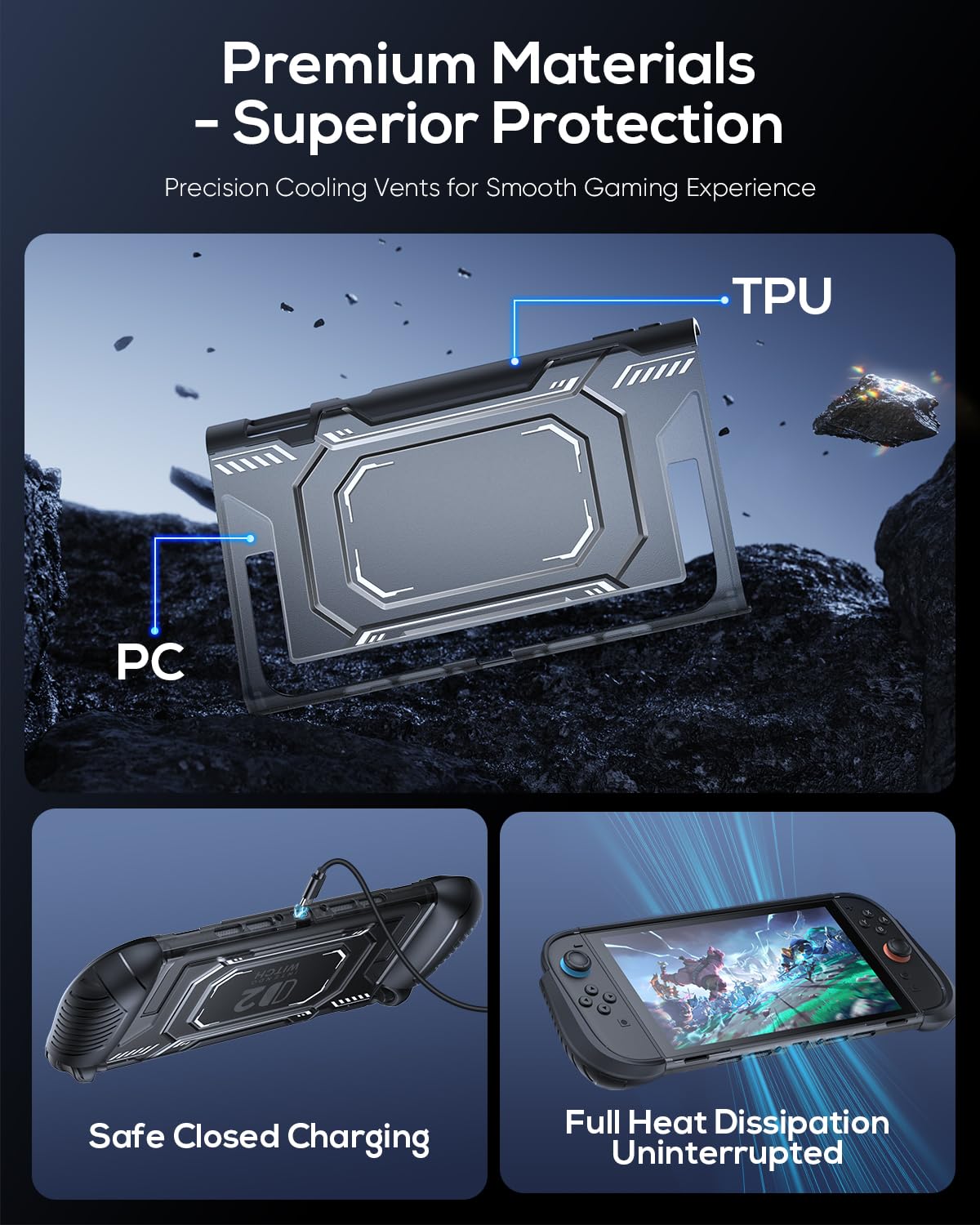
- 【Perfect Dockable Design】The switch 2 dockable case is specifically designed for Nintendo Switch 2, this detachable protective case fits perfectly with the official dock. With precise port cutouts and a slim profile, you can dock to TV or charge your console without ever removing the hard shell case.
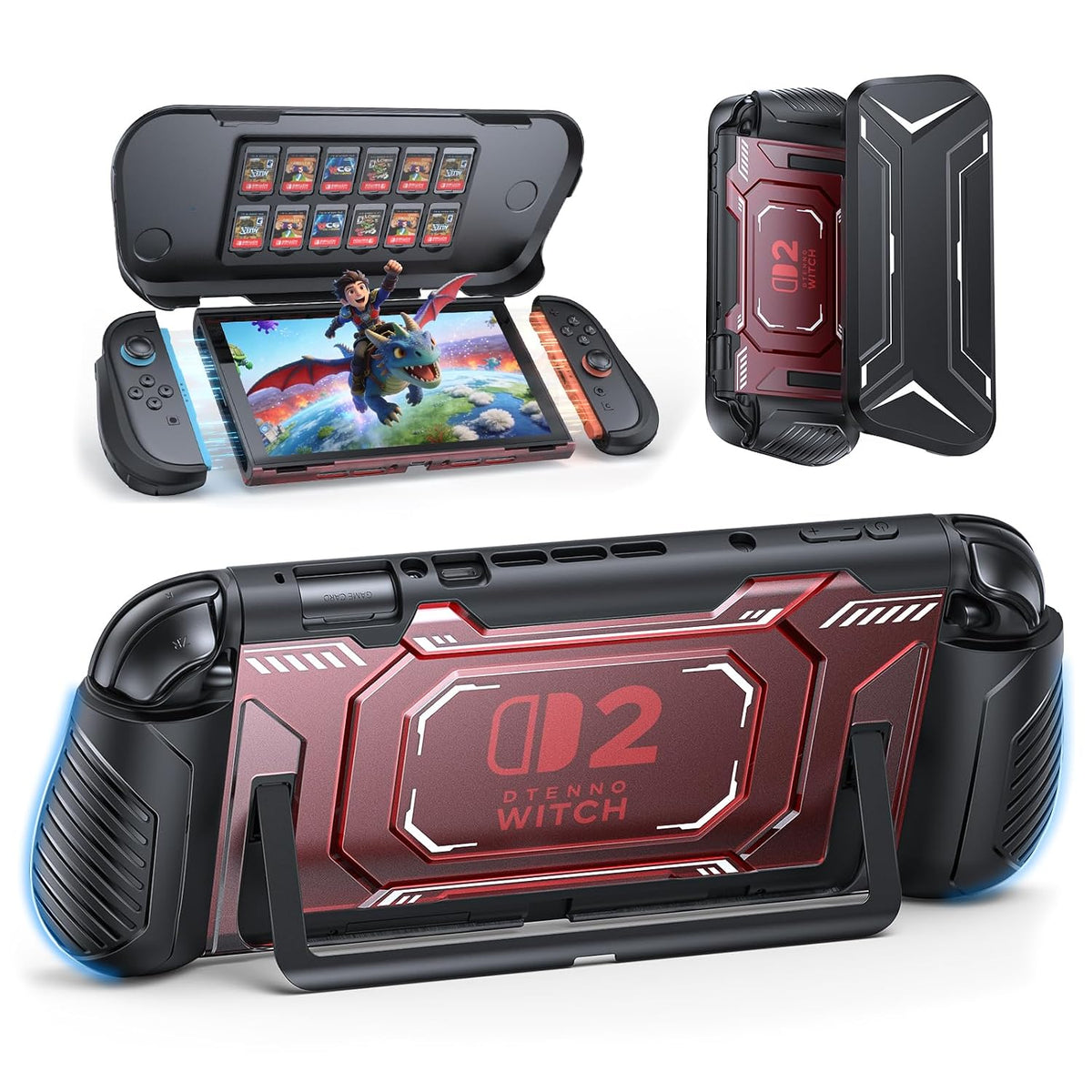
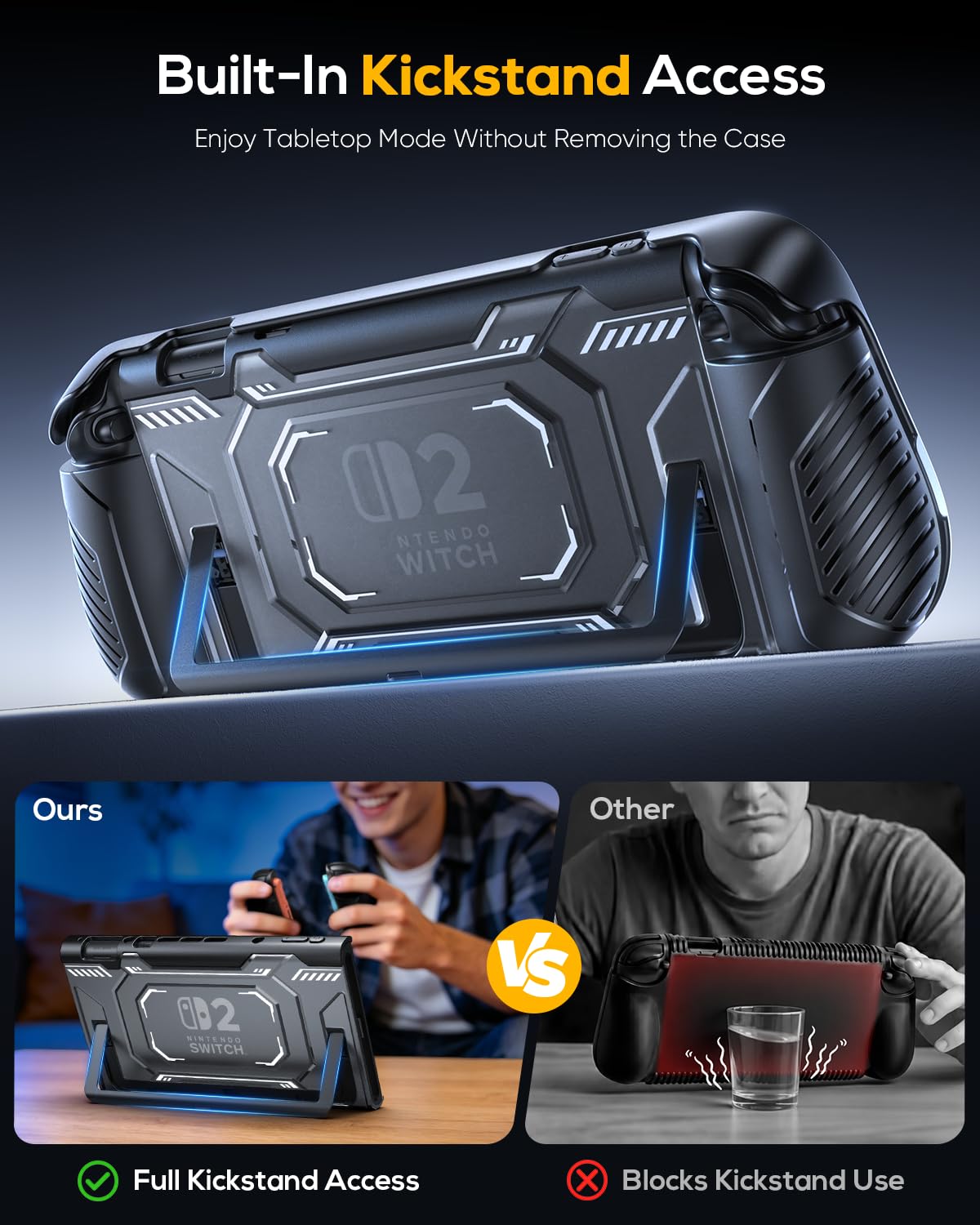
- 【Quick-Release Joypad & Stable Stand】This switch 2 grip case features a detachable protective frame that allows you to remove your Joypads in seconds without taking off the middle frame. The TPU top combines flexibility with durability, providing reliable protection that separates cleanly without leaving any scratches on your console. The back includes a large U-shaped cutout, giving you full access to the console's built-in kickstand for comfortable desktop gaming.
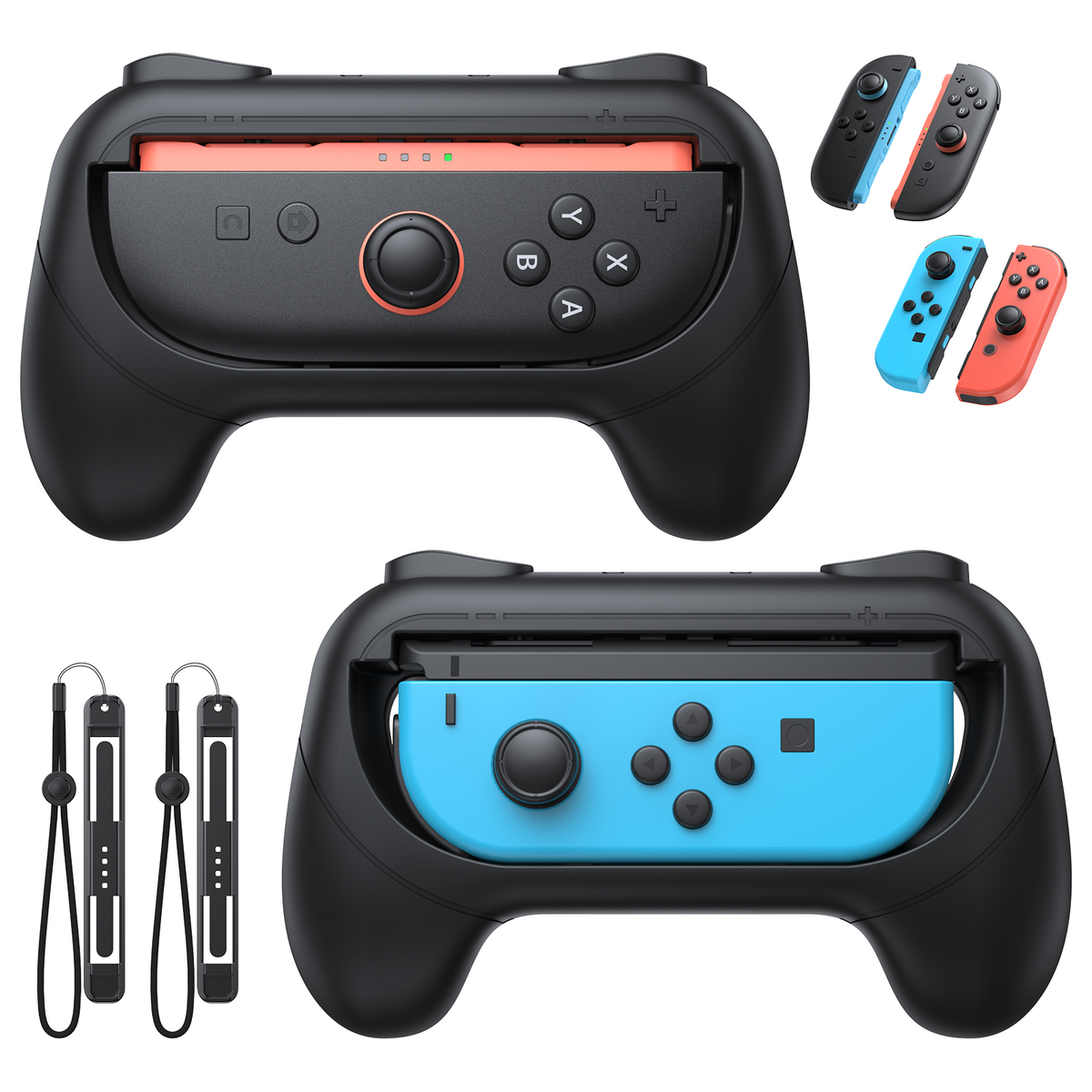
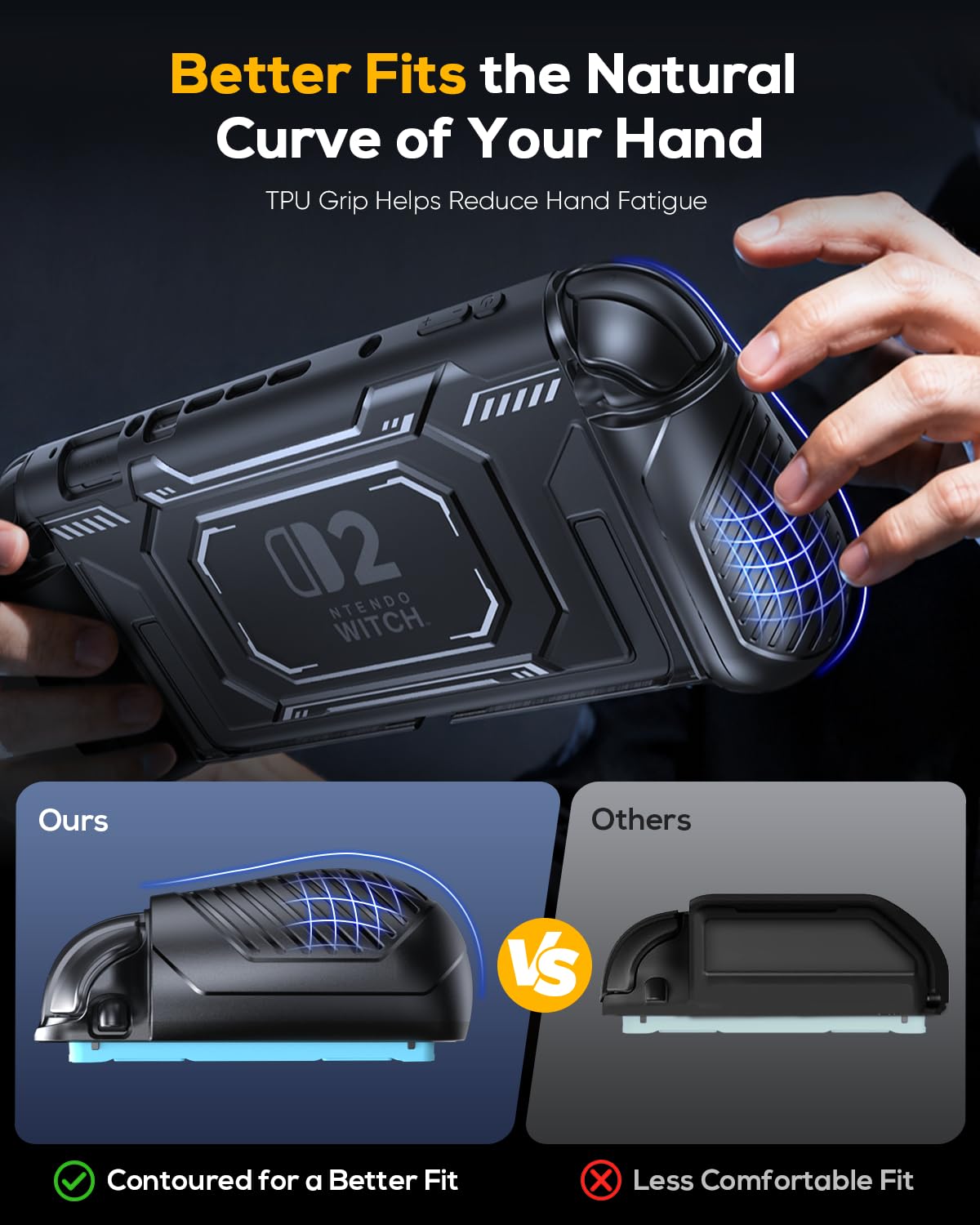
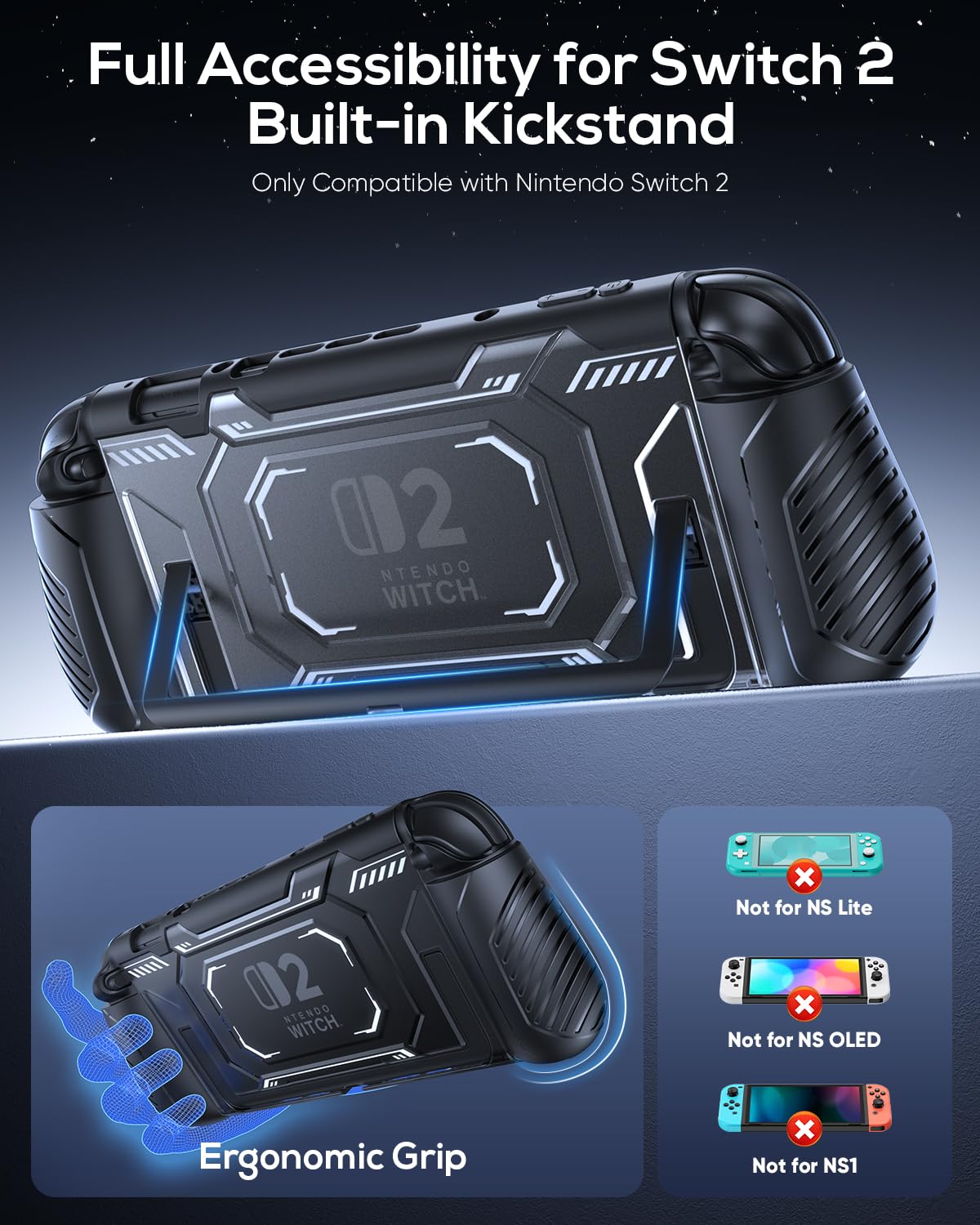
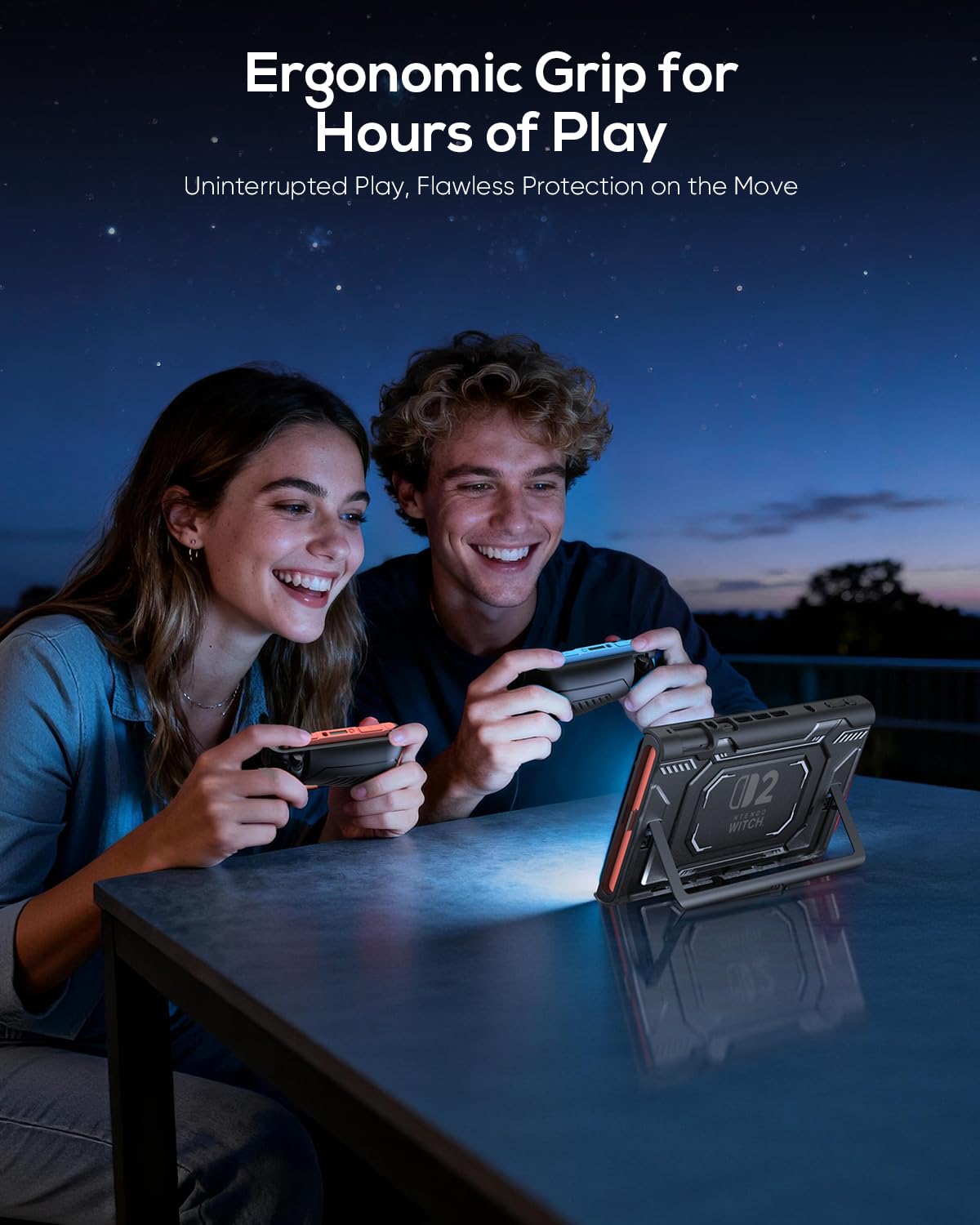
- 【Enhanced Ergonomic Grip】Say goodbye to hand fatigue. The switch 2 hard case is contoured with a thickened, non-slip grip that fits naturally in your hands. This ergonomic design provides superior comfort and control, making those long gaming sessions much more enjoyable. Crafted from soft yet resilient TPU material, the grip is durable and easy to remove without breaking or scratching your Joypads.
- 【What You Get & Reliable Support】You will get: 1× Left Handle, 1× Right Handle, 1× Middle Frame, 1× User Manual, 24/7 Customer Support. Designed for extended comfortable grip with NS2, offering full protection and easy portability. 🎁The perfect Christmas/Birthday/Holiday gift for gamers of all ages.
Fast, easy, and delivered straight to your door.
All of our products also come with a 1-year warranty. If you have any questions about the product, feel free to reach out anytime, and we’re always happy to help.

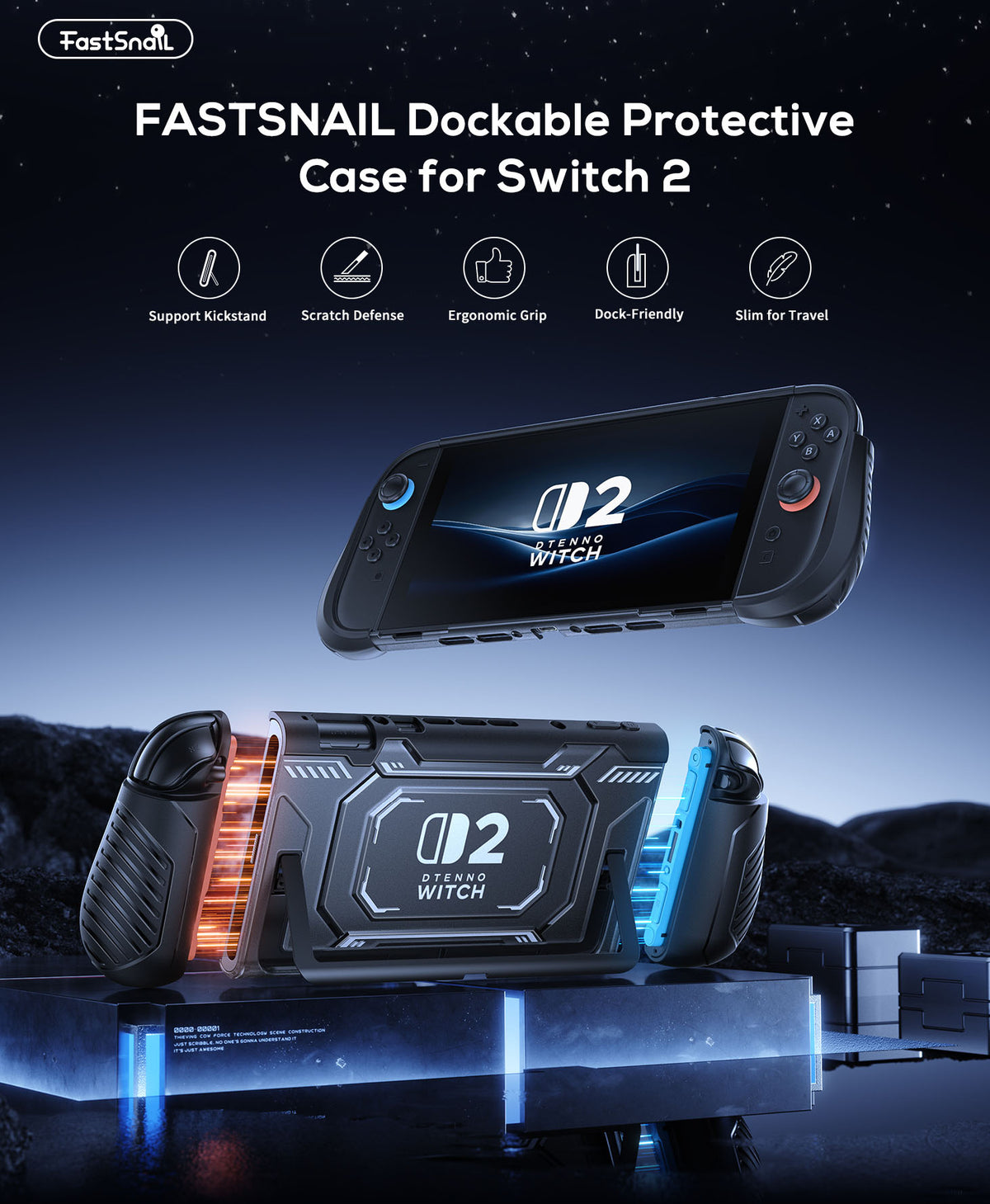

For Nintendo Switch 2. With Dockable TPU Middle Frame
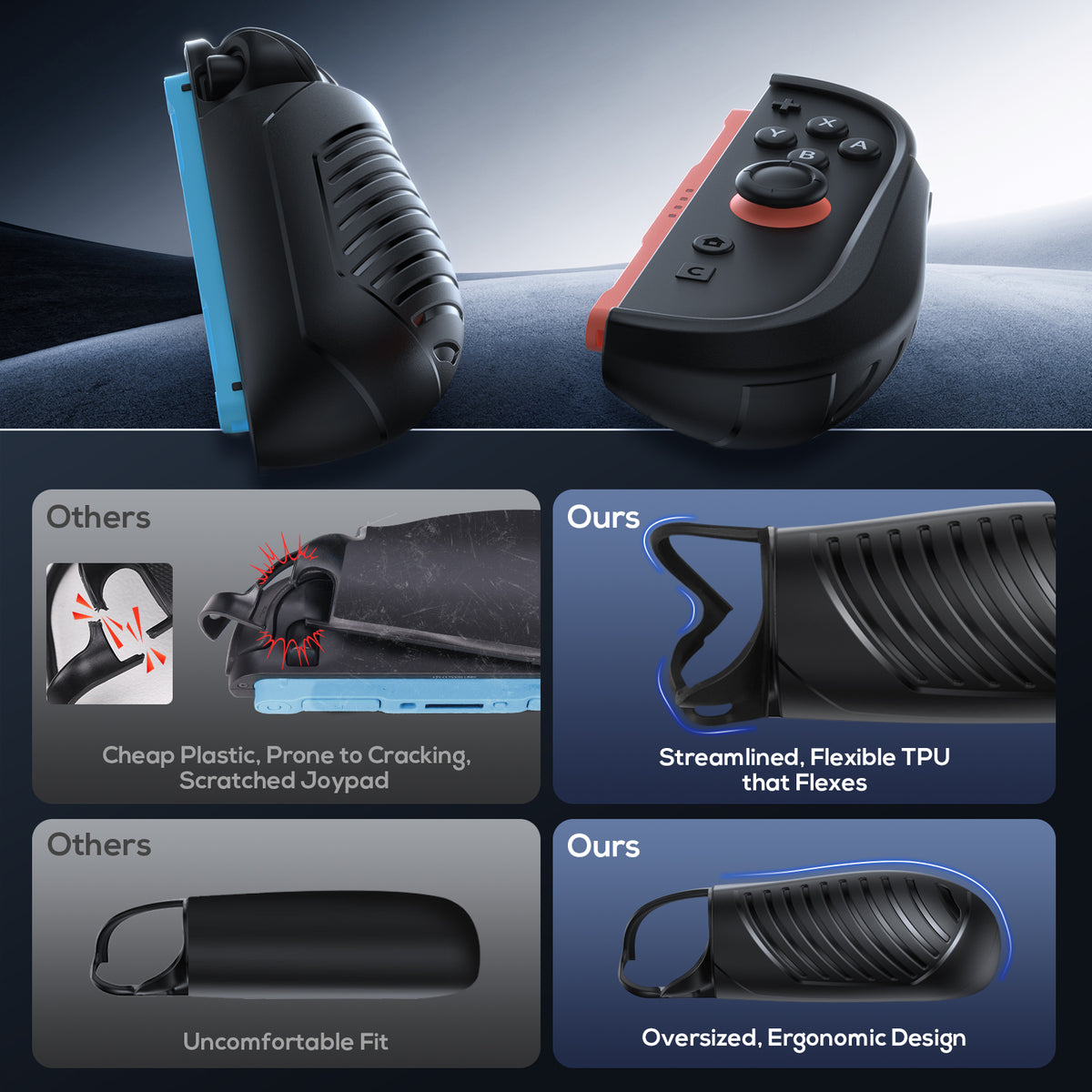
This dockable case features a detachable protective frame that allows you to remove your Joypads in seconds without taking off the middle frame. The TPU top combines flexibility with durability, providing reliable protection that separates cleanly.
This dockable case features a detachable protective frame that allows you to remove your Joypads in seconds without taking off the middle frame. The TPU top combines flexibility with durability, providing reliable protection that separates cleanly.
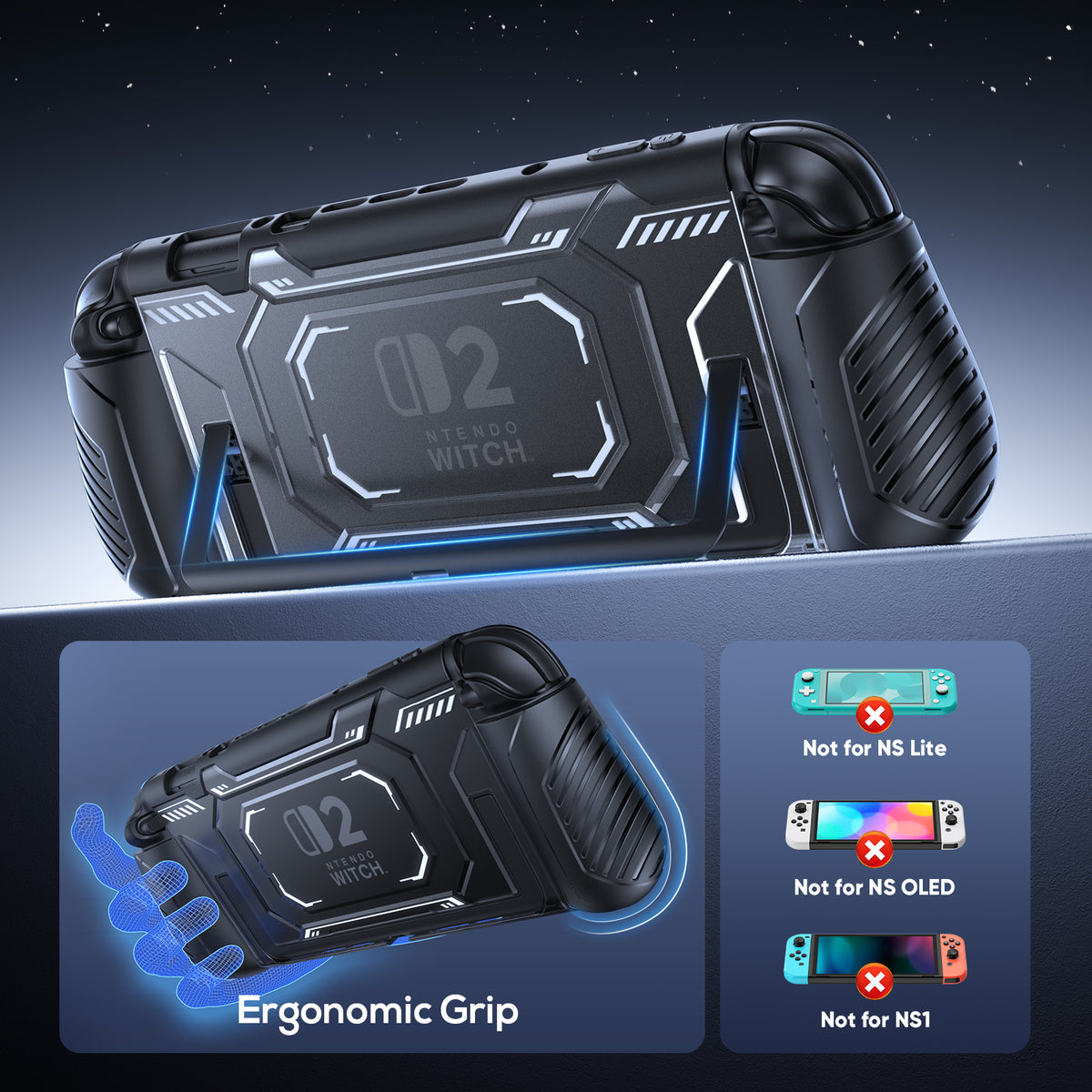
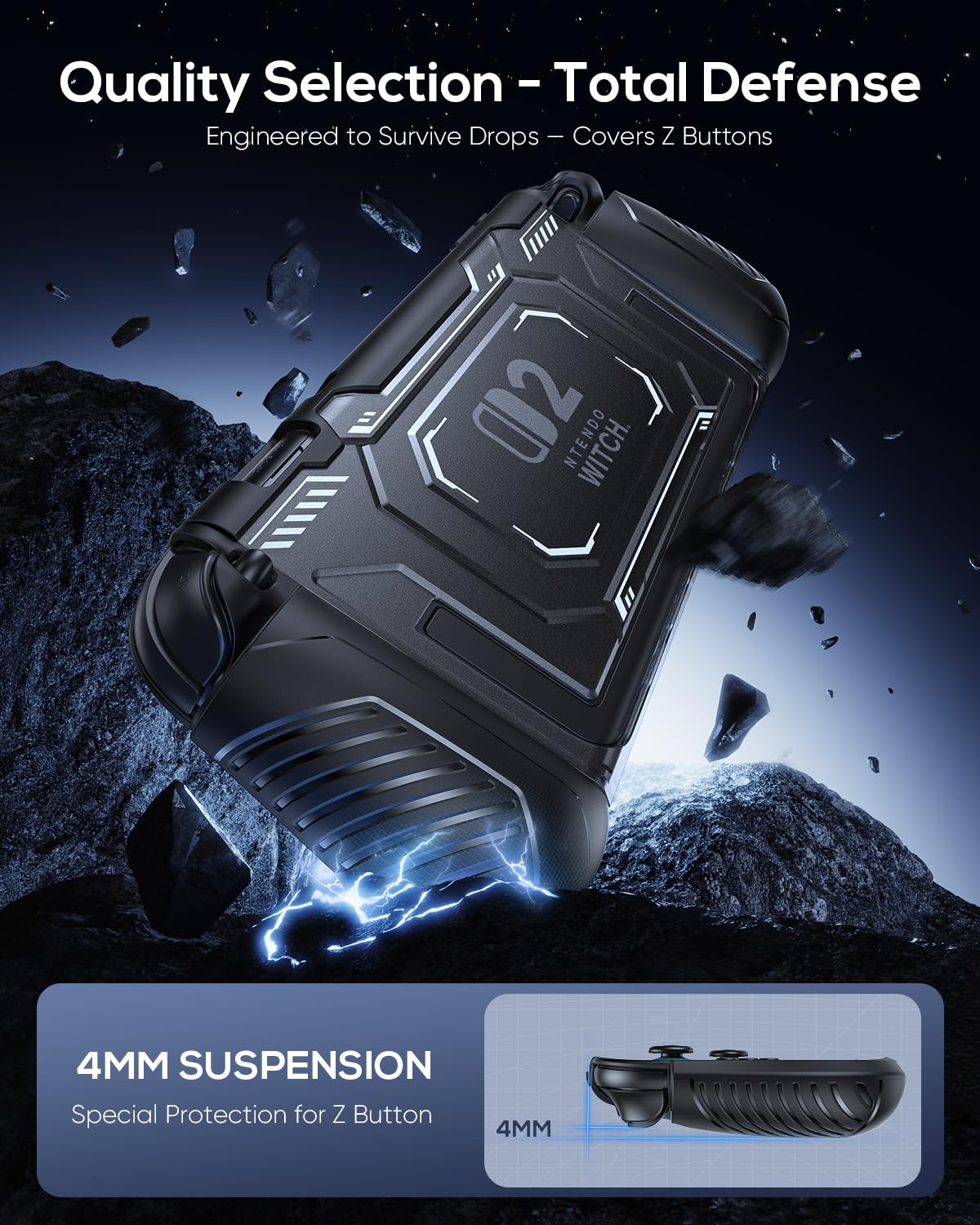
The flexible, shock-absorbing TPU inner frame and the sturdy, scratch-resistant PC hard shell provide dual protection for your Switch 2 console. This dual-material structure offers military-grade defense, effectively guarding against daily bumps, accidental drops, and scratches.The back includes a large U-shaped cutout, giving you full access to the console's built-in kickstand.
The flexible, shock-absorbing TPU inner frame and the sturdy, scratch-resistant PC hard shell provide dual protection for your Switch 2 console. This dual-material structure offers military-grade defense, effectively guarding against daily bumps, accidental drops, and scratches.The back includes a large U-shaped cutout, giving you full access to the console's built-in kickstand.

Ergonomic Grip for Hours of Play
Product specification
Nintendo Switch 2(2025)
Snap
Controller
0.2 Kilograms
Polycarbonate (PC), Thermoplastic Polyurethane (TPU)
1 X Left Handle, 1 X Right Handle, 1 X Middle Frame, 1 X User Manual
FAQs
Have a question ? We are here to help.
Is this case compatible with the Switch 1 or Switch OLED?
No. This case is designed specifically for Switch 2 and is not compatible with the Switch 1/OLED/Lite.
Can I dock my Switch 2 without removing the case?
Yes. The slim middle frame is designed to fit the original Switch 2 dock, allowing you to charge the console or use TV mode without removing the main case. Make sure the console is fully seated in the dock. Compatibility with third-party docks may vary because their dimensions are not always the same.
Can I remove the Joycon 2 controllers while the case is installed?
Yes. The split design allows you to detach the controllers while keeping the middle frame installed on the console. The left and right grip covers remain attached to the controllers, providing a more comfortable and secure grip during separate-controller play.
How do I install the case correctly?
Fully slide each controller into its grip cover and make sure the soft upper edge is positioned securely around the top of the controller. Then attach the middle frame around the console and check that each section is fully seated.
When removing the middle frame, begin by lifting it from the top rather than pulling it away from the bottom or sides. Correct installation helps reduce loose-fitting grip pieces, button interference, and uneven alignment.
Will the case block the buttons, ports, vents, or built-in kickstand?
When installed correctly, the precision cutouts keep the buttons, ports, vents, charging connections, and other everyday controls accessible. The large U-shaped opening on the back also keeps the built-in kickstand available for tabletop play.
If a shoulder button feels restricted, check that the controller is fully inserted into the grip and that the soft upper edge is positioned correctly around the controller.
Does the case make the console feel bulky?
The ergonomic grips add some thickness compared with using the console without a case, but the larger shape provides a more secure and comfortable hold during handheld play.
Recommend